
|
Do it yourself
| |||
| ||||


Repair of the display of the Peugeot Partner or Citroen Berlingo.
Model: Peugeot Partner Tepee
B9
- Years 2008-2018
In this video, we see how to solve the problem of the dim display of the Peugeot Partner (or Citroen Berlingo). We start by levering the display tray with a plastic spatula to remove it from its housing. Disconnect the electrical connector found behind the screen, then unscrew the two screws on the sides of the LED screen, so we can remove it. From the back, we see that there are bulbs that we can remove by twisting them counterclockwise and replace them - being careful not to touch them with bare hands. Now put the screen back in place, tightening the two screws and reconnecting the electrical connector. Put the tray back in place and enjoy the result.
Posted on 7 June 2025 by ScegliAuto
Video tutorial
Related tutorials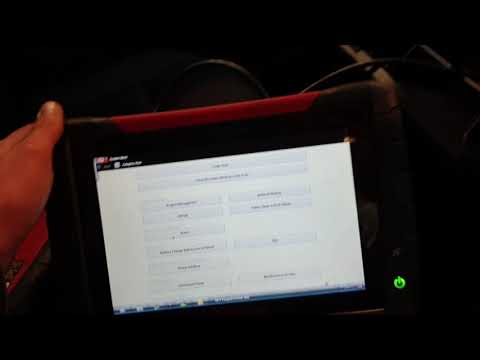
Peugeot Partner Tepee
(2008-2018 /
B9)
This guide provides instructions to reset the particulate filter (FAP) fluid warning light on a Peugeot Partner Tepee, as well as on a Citroen Berlin…

Peugeot Partner Tepee
(2008-2018 /
B9)
Today's instructions will show us the process of disassembling and replacing the clutch cable of the Peugeot Partner Tepee, as well as the Citroen Be…
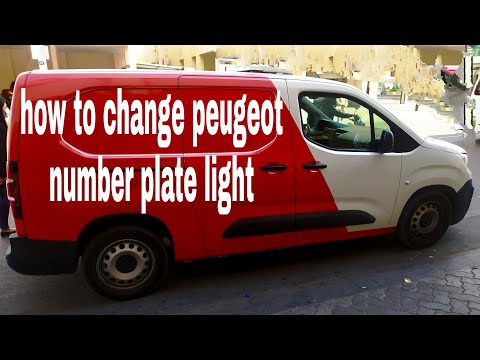
Peugeot Partner Tepee
(2008-2018 /
B9)
This guide shows you how to remove and replace the number plate bulb on the Peugeot Partner, as well as the Citroen Berlingo. First, open the tailgat…
Other guides you may be interested in
|
Fuses Location and Diagram for the Volkswagen Crafter
In this guide, we will look at the location of the fuse boxes and how to find their diagram for the Volkswagen Crafter. First, get inside the vehicle and start by removing the plastic cover found under the steering wheel, to access the internal fuse box; you will find another fuse box in the engine compartment by removing the plastic cover located next to the battery. At this point, use the owner's manual to find the fuse diagram, which will allow you to identify and replace any blown fuses with new ones! by ScegliAuto More videos
|
|
For advertising on this site Write to info@scegliauto.com
ScegliAuto is not responsible for any inaccuracy of the data in the lists. To report any inaccuracy or your business (if you own the business in question), please write to info@scegliauto.com
Number of seconds to generate the page: 0.135
(c) ScegliAuto 2026 - info@scegliauto.com - Privacy policy VAT number: IT01247470535 |
