
|
Do it yourself
| |||
| ||||


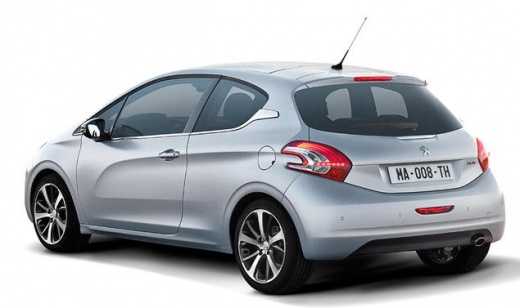
How to Reset the Service Light on a Peugeot 208?
Model: Peugeot 208
MK 1, A9
- Years:
2012, 2013, 2014, 2015, 2016, 2017, 2018, 2019
Video tutorial
After performing scheduled maintenance that includes changing the oil filter, you need to clear the service notification that has appeared on the dashboard. To do this, follow these simple instructions: first, sit in the driver's seat and with the ignition off, locate the button highlighted with a spanner on the dashboard, press and hold this button while turning on the ignition. A countdown will start, after which you can release the button and the light will turn off. Finally, turn off the ignition and turn it back on to verify.
Updated on 3 July 2026 by ScegliAuto
Related tutorials
Peugeot 208
(2012-2019 /
MK 1, A9)
Resetting the service light on the Peugeot 208 is not difficult at all. The same procedure can also be applied to similar car models. To start, befor…
Peugeot 208
(2019-2026 /
UP, UW, UB, UJ, MK 2)
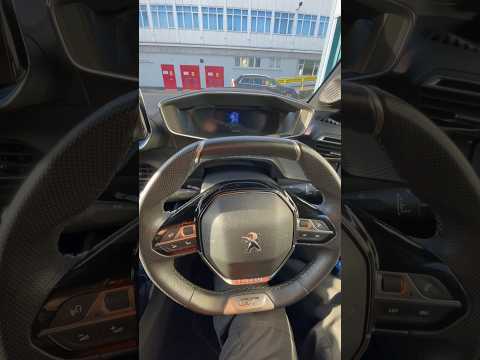
If you own a Peugeot 208 second generation (2022) and want to know how to correctly reset the service light, simply read this guide and follow the br…
Peugeot 208
(2012-2019 /
MK 1, A9)
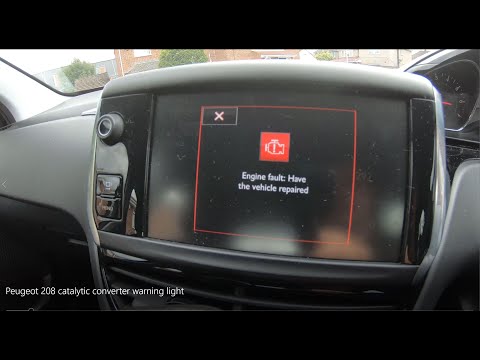
Today's guide will provide instructions on how to reset the engine warning light on a Peugeot 208. First, get inside the vehicle and turn on the inst…
Other guides you may be interested in
|
How to reset the tyre pressure warning light on the Kia Niro EV?
To reset the tyre pressure warning light on the Kia Niro EV, inflate the tyres until they reach the correct pressure value. This value is indicated on the sticker attached to the driver's door pillar. Once the tyres are inflated, turn on the instrument cluster to check that the warning light has completely disappeared from the display. If it is still present, you may need to drive for a few miles to ensure it disappears completely from the screen. by ScegliAuto More videos
|
|
For advertising on this site Write to info@scegliauto.com
ScegliAuto is not responsible for any inaccuracy of the data in the lists. To report any inaccuracy or your business (if you own the business in question), please write to info@scegliauto.com
Number of seconds to generate the page: 0.033
(c) ScegliAuto 2026 - info@scegliauto.com - Privacy policy VAT number: IT01247470535 |
