
|
Do it yourself
| |||
| ||||


|
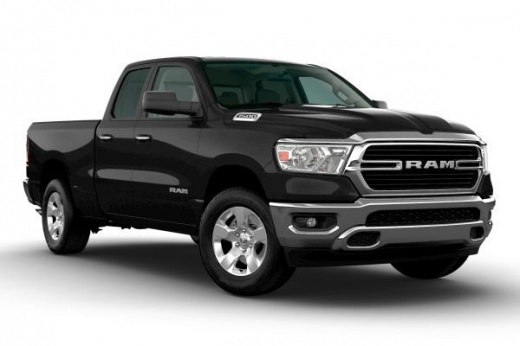
If the smart key on your new RAM 1500 has suddenly stopped working, you can easily solve the problem by replacing the coin cell battery inside. If you don't know how to do it, don't worry because below you will find all the information you need. First, get yourself a "CR 2450" model battery and a small flat screwdriver. Then press the button located on the left side of the cover and remove the emergency key. At this point, use the screwdriver to open the cover and remove the old battery. Insert the new one and, finally, replace the cover correctly.
Posted on 16 May 2022 by ScegliAuto
Video tutorial
Related tutorials
RAM 1500
(2019-2026 /
MK 5, DT)
In this new mini guide, we will discover together how to correctly replace the button battery in the key of your new RAM 1500. First of all, you need…
RAM 1500
(2019-2026 /
MK 5, DT)
As we can see in this tutorial, replacing the RAM 1500 pick-up remote control battery is an extremely simple and fast operation. To do this, we will …
RAM 1500
(2009-2019 /
DS, MK 4, DJ)
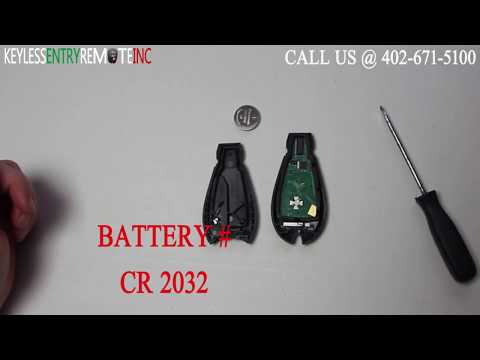
In this video tutorial you can see how it is possible to replace the low battery in the remote control of the Dodge RAM 1500 key, following a few sim…
Other guides you may be interested in
|
How to Remove the Front Door Panel on a Volkswagen Polo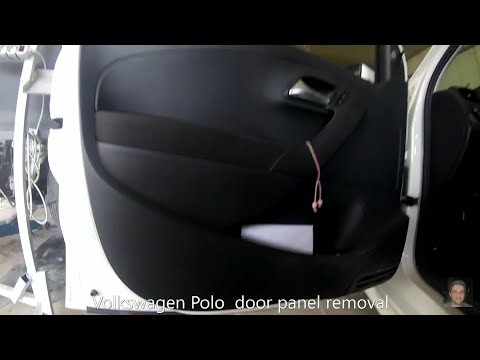
How to remove the driver’s side door panel on a Volkswagen Polo? This video explains the procedure. Before starting the disassembly, disconnect the battery terminals located in the engine bay. Use a lever to pry off the handle cover (remove the piece), then, with a screwdriver, unscrew the fastening screws in the handle inside the door panel. Unscrew the screws located in the plastic of the door opening lever. Use the lever to detach the retaining clips around the perimeter of the door panel. Finally, grasp the panel with your hands and lever it off the door. Disconnect the cable from the door opening lever and the power connectors for the window switch. by ScegliAuto More videos
|
|
For advertising on this site Write to info@scegliauto.com
ScegliAuto is not responsible for any inaccuracy of the data in the lists. To report any inaccuracy or your business (if you own the business in question), please write to info@scegliauto.com
Number of seconds to generate the page: 0.135
(c) ScegliAuto 2026 - info@scegliauto.com - Privacy policy VAT number: IT01247470535 |
