
|
Do it yourself
| |||
| ||||


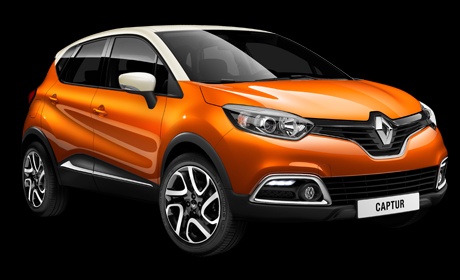
Replacement of the fuel filter of the Renault Captur 1
Model: Renault Captur
MK 1
- Years:
2013, 2014, 2015, 2016, 2017, 2018, 2019
Video tutorial
In this video we see how to replace the fuel filter of the Renault Captur. It is necessary to lift the car on the right side, put a jack stand and remove the front wheel; we remove the front section of the wheel arch to access the filter body. We remove the three screws of the cover, place a basin underneath to collect any diesel leaks, disconnect the pipes, the electrical connection and the lower sensor. We take the filter body to a work surface and unscrew the cover screws, open it and remove the old filter element, remove the gasket and replace it with a new one. Insert the new filter and reassemble the components. Reassemble the sensor, after replacing the gasket, reconnect the electrical connection and the pipes, position the protection and secure it with its screws, mount the wheel arch, reassemble the wheel and lower the car.
Posted on 27 December 2024 by ScegliAuto
Related tutorials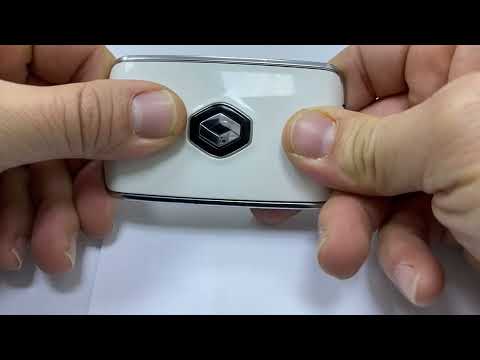
Renault Captur
(2019-2026 /
MK 2)
Good morning, today’s goal is to replace the key battery on our Renault Captur. Start by sliding the back cover of the key downwards. Then, remove th…
Renault Captur
(2019-2026 /
MK 2)
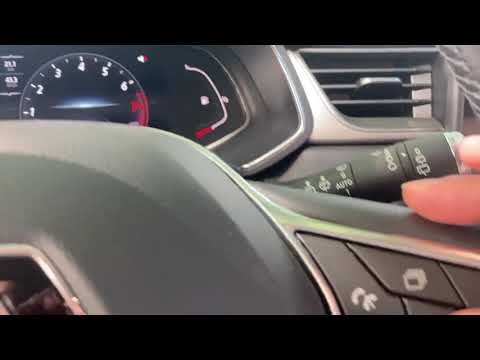
Before you begin, sit in the driver's seat of your Renault Captur. Start by repeatedly pressing the selection button on the right side of the steerin…
Renault Captur
(2019-2026 /
MK 2)
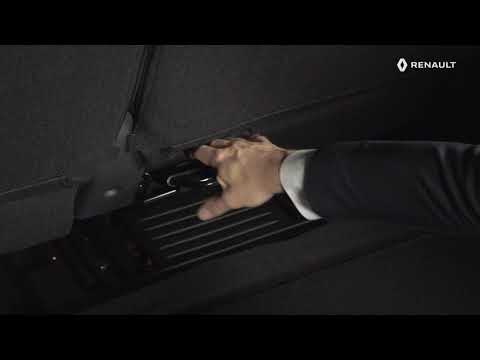
Before you can begin, open the rear hatch of the boot of your Renault Captur using the button on the electronic key. Start by pushing the front seats…
Other guides you may be interested in
|
How to reset the tyre pressure warning light on the Kia Niro EV?
To reset the tyre pressure warning light on the Kia Niro EV, inflate the tyres until they reach the correct pressure value. This value is indicated on the sticker attached to the driver's door pillar. Once the tyres are inflated, turn on the instrument cluster to check that the warning light has completely disappeared from the display. If it is still present, you may need to drive for a few miles to ensure it disappears completely from the screen. by ScegliAuto More videos
|
|
For advertising on this site Write to info@scegliauto.com
ScegliAuto is not responsible for any inaccuracy of the data in the lists. To report any inaccuracy or your business (if you own the business in question), please write to info@scegliauto.com
Number of seconds to generate the page: 0.034
(c) ScegliAuto 2026 - info@scegliauto.com - Privacy policy VAT number: IT01247470535 |
