
|
Do it yourself
| |||
| ||||



What to Do If the Message "Check Automatic Gearbox" Appears on the Renault Dashboard
Model: Renault Scenic
MK III, Scenic III, Scenic 3, MK 3
- Years:
2009, 2010, 2011, 2012, 2013, 2014, 2015
Video tutorial
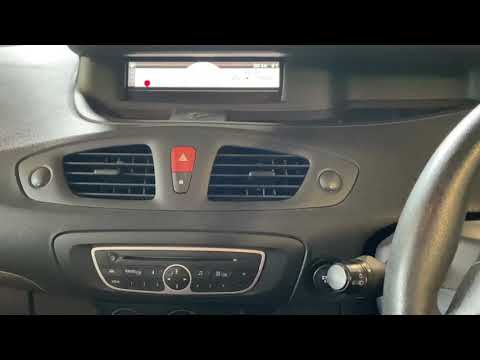
Let's see what to do if the message "check automatic gearbox" appears on the dashboard of your Renault Scenic III. The first thing to do is check the battery condition; a flat battery is the most common cause, so recharge or replace it if it is over 5 years old. Another step is the electronic reset, by disconnecting the 12V battery for 5 to 7 minutes: this will reset the transmission control unit (TCU). We should be seriously concerned when we feel violent jerks between 1st and 2nd gear; if the engine revs are high during shifts and we are between 80,000 and 100,000 miles, it could be a clutch problem. This issue deserves a thorough diagnosis, as it involves expensive parts and significant labour for replacement (do not attempt to do it yourself!). Follow the steps outlined before assuming it is definitely the clutch.
Posted on 19 April 2026 by ScegliAuto
Related tutorials
Renault Scenic
(2003-2009 /
Scenic 2, MK 2)
To reset the automatic gearbox on a Renault Scenic, you need to detach the leather cover that wraps around the selector to access the underlying comp…
Renault Scenic
(2009-2015 /
MK III, Scenic III, Scenic 3, MK 3)
To reset the Renault Grand Scenic, turn on the ignition and note that the message "service required" appears. To perform the reset, scroll using the …

Renault Scenic
(2003-2009 /
Scenic 2, MK 2)
In this brief guide, we will see the instructions that will allow us to repair the automatic handbrake button on a Renault Scenic in simple and quick…
Other guides you may be interested in
|
How to Set the Time in an Audi A4?
In this tutorial, you will see how to set the time in an Audi A4, a very simple and quick operation to perform after replacing the battery or when the time changes. First, insert the key and turn on the instrument cluster. Then, press the "SETUP" button located on the center console. Next, press the upper left arrow button, navigate to the "Time" option, and use the central knob to adjust the clock. Finally, set any necessary formats and save by returning to the main screen. by ScegliAuto More videos
|
|
For advertising on this site Write to info@scegliauto.com
ScegliAuto is not responsible for any inaccuracy of the data in the lists. To report any inaccuracy or your business (if you own the business in question), please write to info@scegliauto.com
Number of seconds to generate the page: 0.084
(c) ScegliAuto 2026 - info@scegliauto.com - Privacy policy VAT number: IT01247470535 |
