
|
Do it yourself
| |||
| ||||


Reset the Service Light on the Renault Captur
Model: Renault Captur
MK 2
- Years 2019-2026
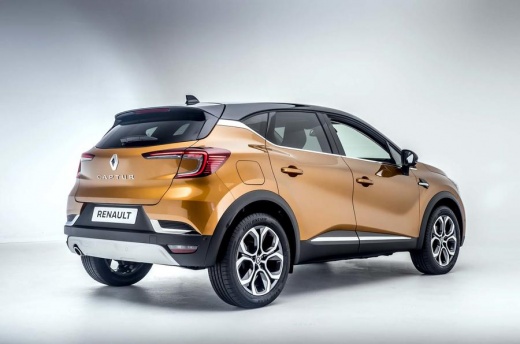
To reset the Service light on your Renault Captur, sit in the driver's seat and press the ignition button without touching the brake and clutch pedals to turn on the instrument panel. Press the button on the right side of the steering wheel, which has stylised pages printed on it. Using the arrows, bring up the message "Oil change due" at the bottom of the central display. Press and hold the "Ok" button: the message will flash for a few seconds and then reset. Turn off the ignition, and upon the next restart, the Service light will be reset.
Updated on 19 August 2026 by ScegliAuto
Video tutorial
Related tutorials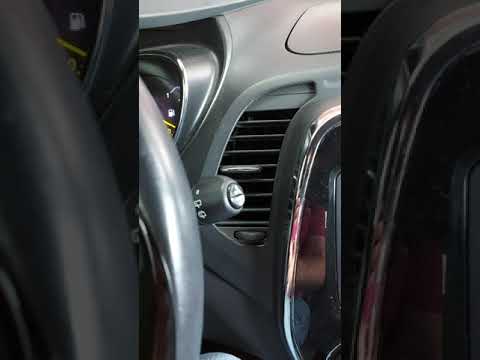
Renault Captur
(2013-2019 /
MK 1)
To reset the Service light on a Renault Captur, turn on the instrument panel to navigate through the menu: press the button located at the bottom of …

Renault Captur
(2013-2019 /
MK 1)
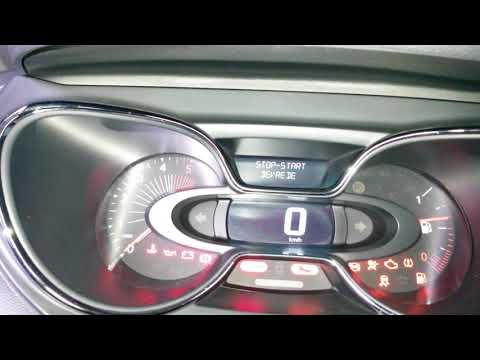
From the display of the Renault Captur, you can completely clear the Service light by turning on the instrument panel to access the menu. To do this,…
Renault Captur
(2013-2019 /
MK 1)
In the Renault Captur, to reset the Service light, first turn on the instrument cluster to navigate the menu. Press the button located at the bottom …
Other guides you may be interested in
|
How to Bleed the Clutch on a Renault Clio?
To bleed the clutch on a Renault Clio, open the bonnet to access the components located in the engine bay: here, you will need to undo the screws that secure the battery in its housing, the intake manifold, and the coolant reservoir. This will allow you to locate the pipe through which the brake fluid flows: by inserting the other end of the pipe into a container, you can press the clutch pedal to expel all the fluid until it fills the container. by ScegliAuto More videos
|
|
For advertising on this site Write to info@scegliauto.com
ScegliAuto is not responsible for any inaccuracy of the data in the lists. To report any inaccuracy or your business (if you own the business in question), please write to info@scegliauto.com
Number of seconds to generate the page: 0.728
(c) ScegliAuto 2026 - info@scegliauto.com - Privacy policy VAT number: IT01247470535 |
