
|
Do it yourself
| |||
| ||||


Using the Electronic Handbrake on the Renault Clio V
Model: Renault Clio
Clio V, Clio 5
- Years 2019-2026
Let’s see how the handbrake with auto-hold function works on the Renault Clio V: the parking brake activates automatically when the vehicle is stationary, and in the following cases: when the engine is off; when the seatbelt is unfastened or the driver's door is opened, or if the automatic gearbox is in 'P'. A warning light will illuminate on the instrument panel indicating 'parking brake applied'. The parking brake releases when you start the car and press the accelerator. You can apply it manually by pulling the switch in the centre console. To release it, start the car, press the brake pedal, and then the switch. To move the vehicle with the engine off: turn on the ignition, put it in neutral, release the parking brake, and open the door. A message will appear on the dashboard, allowing you to move the vehicle. If the automatic parking brake is not functioning, a message will indicate to apply it manually: simply pull the switch. The auto-hold function allows you to keep the vehicle stationary without pressing the brake; it releases as soon as you accelerate. To activate this function, just press the button under the handbrake.
Updated on 27 August 2026 by ScegliAuto
Video tutorial
Related tutorials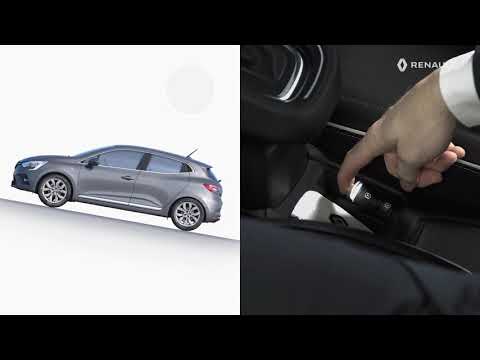
Renault Clio
(2019-2026 /
Clio V, Clio 5)
The electronic handbrake or assisted parking brake is a function that electronically manages the handbrake, meaning there is no longer a classic leve…
Renault Clio
(2019-2026 /
Clio V, Clio 5)
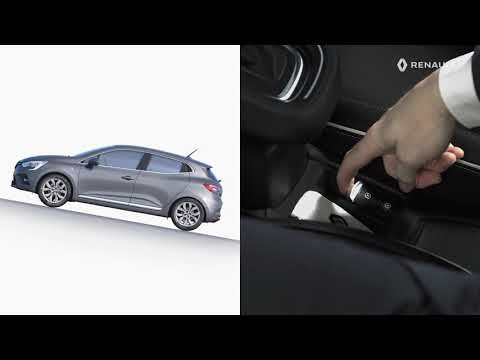
This guide shows you how to use the electric handbrake on the Renault Clio, following these simple steps. First, get into the vehicle and start the e…
Renault Clio
(2005-2013 /
MK 3, Clio 3, Clio III)
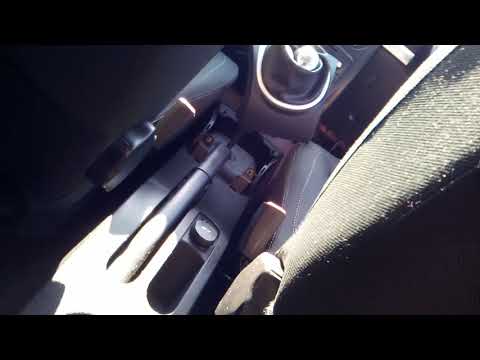
This guide briefly explains the steps to adjust the handbrake lever of the Renault Clio. First, get into the vehicle and remove the plastic cover of …
Other guides you may be interested in
|
How to Replace the Remote Battery for the Volvo XC40?
In this tutorial, you will see how to replace the battery in the remote for the Volvo XC40, a very simple and quick operation. For this, you will need a replacement battery of type CR2032 and possibly a small flathead screwdriver. First, remove the front cover by pressing the button on the metal ring, then locate the second button, press it as well, and remove the opposite cover. Next, open the circular cap, take out the old battery, and insert the new one in the opposite direction. Finally, reassemble everything. by ScegliAuto More videos
|
For advertising on this site Write to info@scegliauto.com
ScegliAuto is not responsible for any inaccuracy of the data in the lists. To report any inaccuracy or your business (if you own the business in question), please write to info@scegliauto.com
Number of seconds to generate the page: 0.444
(c) ScegliAuto 2026 - info@scegliauto.com - Privacy policy VAT number: IT01247470535 |
