
|
Do it yourself
| |||
| ||||


Resetting the Tyre Pressure Sensor on a Toyota Prius
Model: Toyota Prius
Xw30, MK 2
- Years 2009-2015
Let’s reset the tyre pressure sensor on a Toyota Prius. This is a very simple operation: enter the vehicle, turn on the ignition (you will see the maintenance light illuminated). Press the button (Set) located under the steering wheel firmly (as shown in the video) and wait for the sensor to reset. Once the tyre maintenance reset has activated, you can release the button (the light on the instrument panel will stop flashing). Always remember to make changes to the onboard computer with the vehicle stationary and the engine off.
Updated on 14 March 2026 by ScegliAuto
This video is currently unavailable
Related tutorials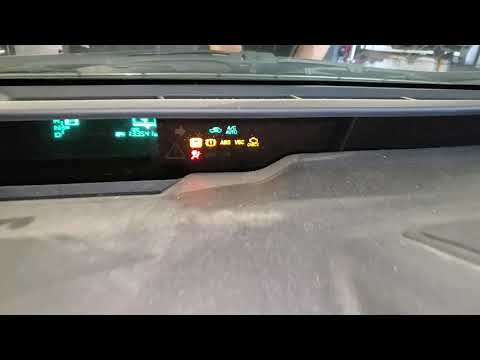
Toyota Prius
(2004-2009 /
MK 1)
To reset the tyre pressure warning light on a Toyota Prius, first inflate the tyres to the correct pressure. This value is indicated on the sticker a…
Toyota Prius
(2009-2015 /
Xw30, MK 2)
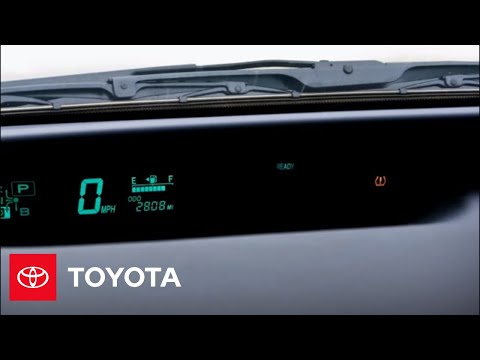
To reset the tyre pressure warning light on a Toyota Prius, inflate the tyres to the recommended pressure value: this value is indicated on the stick…

Toyota Prius
(2009-2015 /
Xw30, MK 2)
You can replace the tyre pressure sensors on a Toyota Prius by deflating the wheels and completely removing them from their housings. Once the wheel …
Other guides you may be interested in
|
How to Open a Stuck Boot on the Peugeot 407?
On the Peugeot 407, the boot may become stuck, possibly due to a problem with the control button or the lock actuator. In such cases, you can perform an emergency opening by following the simple procedure shown in this tutorial. First, open the rear doors, then lower the seat back by operating the release lever. Next, go inside the boot, locate the lock, and manually operate it using a flathead screwdriver. The boot will then be free to open. by ScegliAuto More videos
|

|
For advertising on this site Write to info@scegliauto.com
ScegliAuto is not responsible for any inaccuracy of the data in the lists. To report any inaccuracy or your business (if you own the business in question), please write to info@scegliauto.com
Number of seconds to generate the page: 0.085
(c) ScegliAuto 2026 - info@scegliauto.com - Privacy policy VAT number: IT01247470535 |
