
|
Do it yourself
| |||
| ||||


How to Install Parking Sensors on a VW Passat
Model: Volkswagen Passat
3BG, B5
- Years 1996-2005
Do you want to install parking sensors that are not present on your car? Follow this guide to install parking sensors on a Volkswagen Passat. First, take measurements with a tape measure and mark them on the rear bumper. Then, start drilling with a screwdriver or drill (with a bit) into the rear bumper. Install the sensors with their respective cables in the holes you created earlier, and begin routing the wiring to the boot until you reach the beeper sensor. Connect all the wires to the vehicle's power supply. Finally, test the correct operation of the installed kit.
Updated on 1 March 2026 by ScegliAuto
Video tutorial
Related tutorials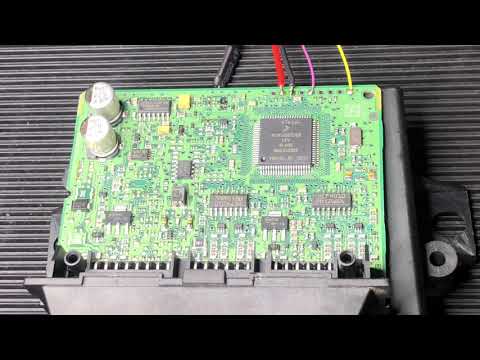
Volkswagen Passat
(2005-2010 /
B6, 3C)
In this guide, discover the main steps to remove and replace the parking sensor control unit from the Volkswagen Passat. First, open the front door o…
Volkswagen Passat
(2005-2010 /
B6, 3C)
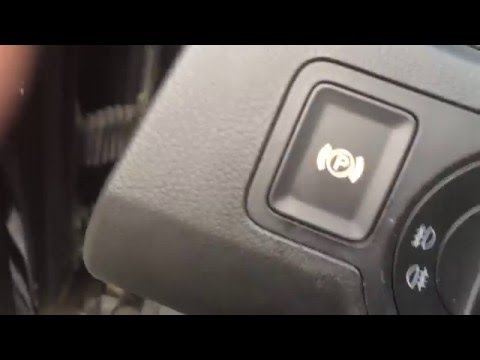
Have you encountered problems with the electric handbrake button on your Passat? Here’s how to proceed with the disassembly and reassembly of the par…
Volkswagen Passat
(2005-2010 /
B6, 3C)
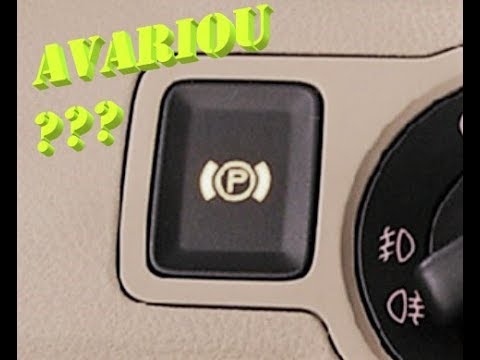
Discover in this brief and simple guide how to disassemble and replace the handbrake switch on a Volkswagen Passat B6, second generation. First, get …
Other guides you may be interested in
|
How to Replace the Cabin Filter on the Opel Grandland X
If you own an Opel Grandland X and want to know the steps to replace the cabin air filter, carefully read the following guide and follow the described steps. First, enter the vehicle and go to the passenger side. Then, locate the box containing the air filter in the lower side area of the dashboard. Remove the cover of the box and finally replace the old filter with the new one. Refit the cover, and you are done. by ScegliAuto More videos
|
|
For advertising on this site Write to info@scegliauto.com
ScegliAuto is not responsible for any inaccuracy of the data in the lists. To report any inaccuracy or your business (if you own the business in question), please write to info@scegliauto.com
Number of seconds to generate the page: 0.147
(c) ScegliAuto 2026 - info@scegliauto.com - Privacy policy VAT number: IT01247470535 |
