
|
Do it yourself
| |||
| ||||


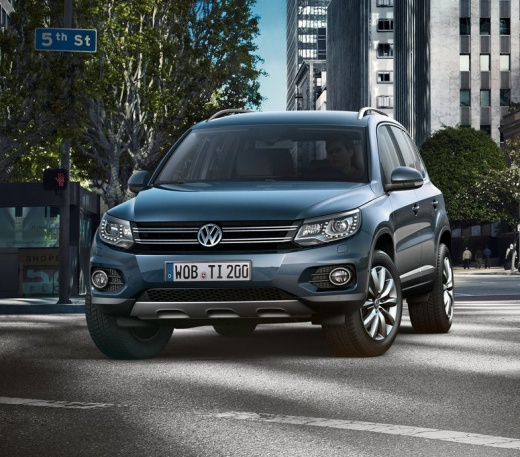
How do you reset the Service light on the Volkswagen Tiguan?
Model: Volkswagen Tiguan
5N, MK 1
- Years 2007-2016
It will be possible to completely remove the Service indicator from the instrument panel of the Volkswagen Tiguan by turning on the instrument panel, turning the ignition key inside the corresponding block: once the latter has been activated, it will be possible to navigate within the menu using the button on the right lever of the steering wheel, until you find "Settings". By selecting it with the button below the lever, you can proceed by selecting "Service" and then "Reset": in this way the Service indicator will disappear completely from the panel, which can in turn be turned off by turning the key back.
Posted on 6 April 2025 by ScegliAuto
Video tutorial
Related tutorials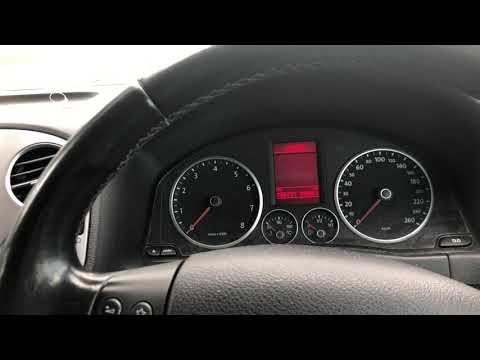
Volkswagen Tiguan
(2007-2016 /
5N, MK 1)
Before you begin, ensure that the service has been carried out, then sit in the driver's seat of your Volkswagen Tiguan. Start by activating the inst…
Volkswagen Tiguan
(2016-2025 /
BW, MK 2, AD)
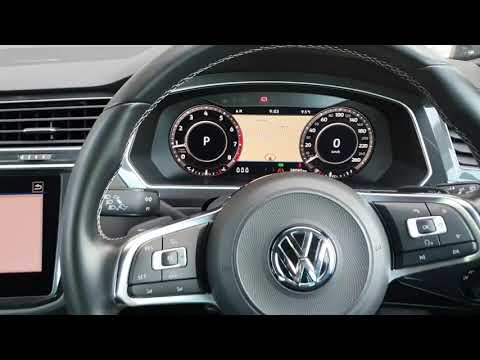
To reset the Service light on a Volkswagen Tiguan, keep the car off with only the instrument cluster powered on. Next, press and hold the 0.0 button …
Volkswagen Tiguan
(2007-2016 /
5N, MK 1)
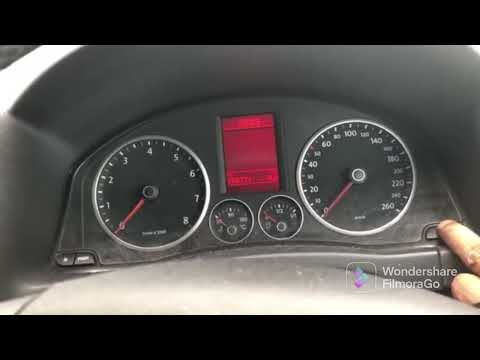
Resetting the service light for the 2008 Volkswagen Tiguan is a simple and quick task that can be done independently in a few steps. Follow these ste…
Other guides you may be interested in
|
How to Activate Bluetooth on the BMW 1 Series?
To activate Bluetooth on the BMW 1 Series, turn on the ignition so you can press the MENU button on the central control panel. This will allow you to select the "TEL" option to make the device visible. Then, connect to the radio using your mobile phone, selecting the device called "BMW" followed by a five-digit code. This code must be entered using the radio controls, confirming with OK. After entering and confirming, you will notice that the pairing between the devices has occurred. by ScegliAuto More videos
|
|
For advertising on this site Write to info@scegliauto.com
ScegliAuto is not responsible for any inaccuracy of the data in the lists. To report any inaccuracy or your business (if you own the business in question), please write to info@scegliauto.com
Number of seconds to generate the page: 0.503
(c) ScegliAuto 2026 - info@scegliauto.com - Privacy policy VAT number: IT01247470535 |
