
|
Do it yourself
| |||
| ||||


How to Disable the Start&Stop System on the Volkswagen Golf
Model: Volkswagen Golf
Golf 8, MK 8, Golf Viii
- Years 2019-2026
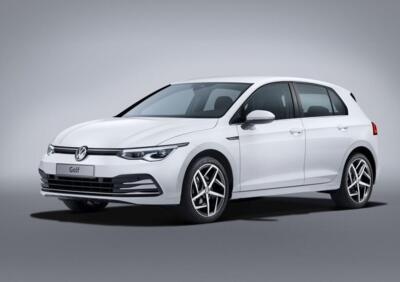
The instructions in this guide will show you how to disable and enable the Start&Stop system on the Volkswagen Golf. First, get into the vehicle and turn on the instrument panel and the engine; then lower the drop-down menu of the multimedia system to access the Start&Stop shortcut, as shown in the video. At this point, you will be able to enable and disable the Start&Stop function at any time; to permanently disable the Start&Stop function, a specific programming tool is required.
Posted on 9 February 2026 by ScegliAuto
Video tutorial
Related tutorials
Volkswagen Golf
(2012-2019 /
Golf VII, MK 7, Golf 7)
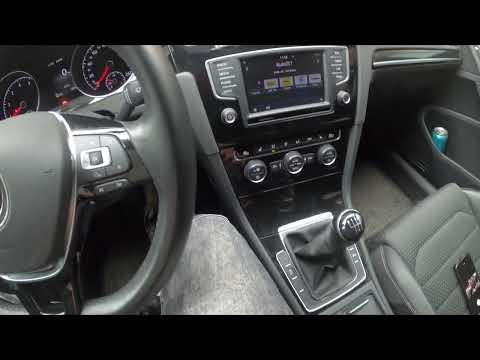
In this short guide, we will see the instructions on how to deactivate and activate the Start&Stop system of the Volkswagen Golf. First, let's get in…
Volkswagen Golf
(2012-2019 /
Golf VII, MK 7, Golf 7)
In this video, we see how to activate or deactivate the start & stop system on the Volkswagen Golf 7. The procedure is very simple as next to the gea…
Volkswagen Golf
(2019-2026 /
Golf 8, MK 8, Golf Viii)
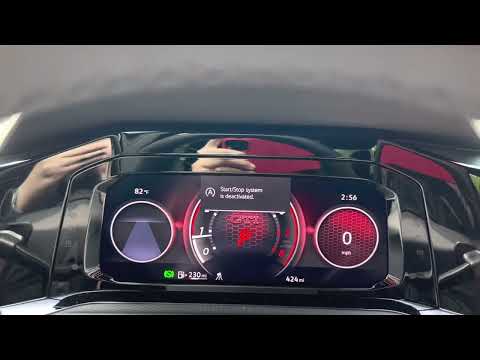
Today we will see the main instructions that will allow us to deactivate or activate the Start&Stop system of the Volkswagen Golf at any time. First …
Other guides you may be interested in
|
Frequently Asked QuestionsHow to change the time on a Toyota Yaris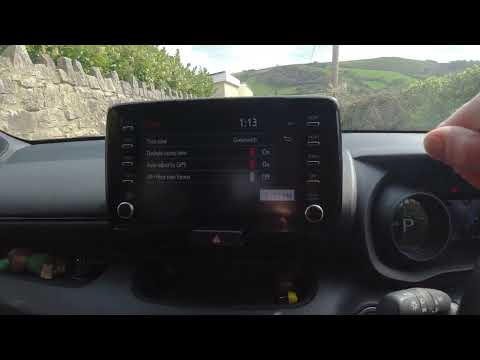
In this video we see how to change the time on a Toyota Yaris, specifically when it comes to switching from daylight saving time to standard time and vice versa. We go to the multifunction screen and press "settings": from there we go to press the clock, simply click on daylight saving time, and the clock will change the time for us, without doing anything else. All we want to do is just adjust the time format to 12 or 24 hours, as is customary in the area where we live: for example in Anglo-Saxon countries it is common to set the time to 12 hours, while in the European Union it is normally set to 24 hours. by ScegliAuto More videos
|
|
For advertising on this site Write to info@scegliauto.com
ScegliAuto is not responsible for any inaccuracy of the data in the lists. To report any inaccuracy or your business (if you own the business in question), please write to info@scegliauto.com
Number of seconds to generate the page: 0.063
(c) ScegliAuto 2026 - info@scegliauto.com - Privacy policy VAT number: IT01247470535 |
