
|
Do it yourself
| |||
| ||||


How to Set the Time on a Volkswagen Polo?
Model: Volkswagen Polo
Polo 5, Polo V, MK 5, MK V, 6R
- Years 2009-2017
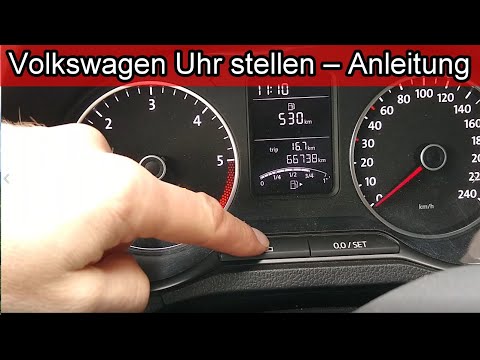
In this tutorial, you will see how to set the time on a Volkswagen Polo, a very simple and quick operation to perform, for example, after disconnecting the battery or following the switch to daylight saving time. First, go inside the cabin, then insert the key and turn on the instrument panel. Next, press the "CAR" button located to the right of the central display, enter "Setup", "Time and date", "Time", and adjust the clock as needed. To save the setting, simply return to the main screen.
Posted on 14 February 2026 by ScegliAuto
Video tutorial
Related tutorials
Volkswagen Polo
(2001-2009 /
MK IV, Polo IV, Polo 4, MK 4, 9N)
In this brief and simple guide, you will learn how to adjust the time on a Volkswagen Polo by following the instructions below. First, get inside the…
Volkswagen Polo
(2009-2017 /
Polo 5, Polo V, MK 5, MK V, 6R)
To set the time on the Volkswagen Polo, first turn on the instrument cluster. Next, check the display in the centre of the cluster, where the time is…

Volkswagen Polo
(2001-2009 /
MK IV, Polo IV, Polo 4, MK 4, 9N)
In this tutorial we can see how to adjust the time in the Volkswagen Polo, a very simple and quick operation, to be carried out for example after rep…
Other guides you may be interested in
|
How to Repair the Key Spring of the Peugeot 207?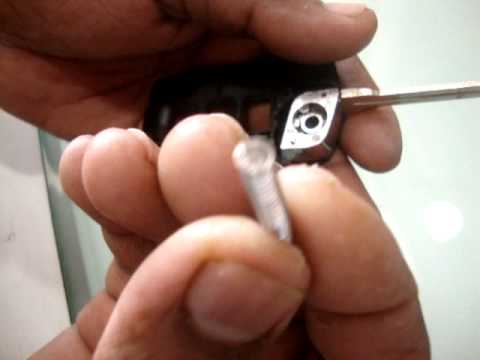
Over time, frequent use of the key's flip mechanism in the vehicle, dozens of times a day, inevitably leads to wear of the internal spring. As shown in this video, replacing the spring is quite simple and takes little time. After opening the casing halfway, first position the key, then the spring housing, and finally insert the spring into the previously mentioned housing. Close the casing by rotating it clockwise, ensuring all components fit perfectly, and test the key's flip mechanism. by ScegliAuto More videos
|
|
For advertising on this site Write to info@scegliauto.com
ScegliAuto is not responsible for any inaccuracy of the data in the lists. To report any inaccuracy or your business (if you own the business in question), please write to info@scegliauto.com
Number of seconds to generate the page: 0.219
(c) ScegliAuto 2026 - info@scegliauto.com - Privacy policy VAT number: IT01247470535 |
