
|
Do it yourself
| |||
| ||||


How to Change the Remote Key Battery on a Volkswagen Golf 7
Model: Volkswagen Golf
Golf VII, MK 7, Golf 7
- Years 2012-2019
How do you change the remote key battery on your Volkswagen Golf 7? Let's see how to do it in this video. Take your remote key and press the button to release the metal key; pry between the two parts of the plastic key cover until it opens. Remove the plastic cover (open it with your hands), extract the worn battery with a screwdriver, take a new one of the same size and voltage. Reassemble the cover on your remote by pressing on the key cover until you hear it click into place. Check the remote key functions correctly.
Updated on 12 March 2026 by ScegliAuto
Video tutorial
Related tutorials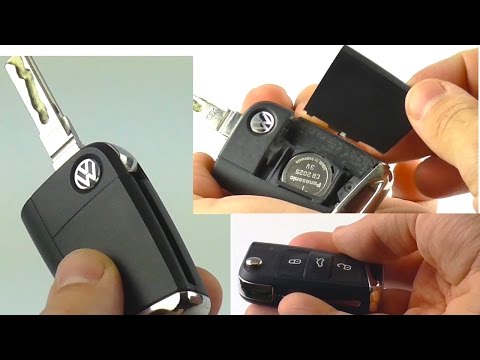
Volkswagen Golf
(2012-2019 /
Golf VII, MK 7, Golf 7)
How do we change the battery of the key fob for our Volkswagen Golf? Let’s see in this detailed video how to do it. Take your remote and press the re…

Volkswagen Golf
(2012-2019 /
Golf VII, MK 7, Golf 7)
These brief and simple steps will illustrate the procedure for disassembling and replacing the battery of the remote key for the Volkswagen Golf. Fir…
Volkswagen Golf
(2003-2008 /
MK 5, Golf 5, Golf V)
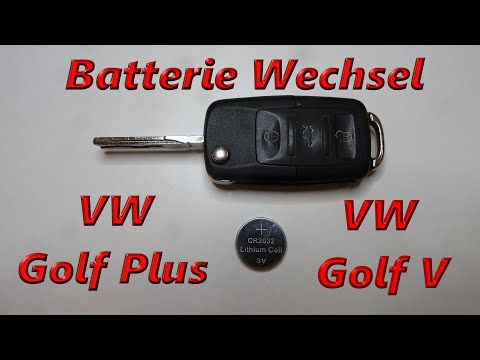
To replace the battery in the key fob of a Volkswagen Golf, lift the emergency key by pressing the button located at the top of the fob. Once the key…
Other guides you may be interested in
|
How to Reset the Central Locking of the Volkswagen Golf 4?
If the central locking system of the Volkswagen Golf 4 is not working, it is likely necessary to reset the system: to do this, open the driver's door and detach the side panel of the dashboard next to the steering wheel. Under this panel, you will find the fuses, including the one for the central locking, which is indicated in the manual as number 14. To reset the system, remove this fuse from its housing, then reinsert it or replace it with a new one of the same amperage: this will reset the central locking system. by ScegliAuto More videos
|

|
For advertising on this site Write to info@scegliauto.com
ScegliAuto is not responsible for any inaccuracy of the data in the lists. To report any inaccuracy or your business (if you own the business in question), please write to info@scegliauto.com
Number of seconds to generate the page: 0.347
(c) ScegliAuto 2026 - info@scegliauto.com - Privacy policy VAT number: IT01247470535 |
