
|
Do it yourself
| |||
| ||||



How to Check Maintenance Details from the Infotainment System on a Volkswagen Golf MK7
Model: Volkswagen Golf
MK 7, Golf 7, Golf VII
- Years:
2012, 2013, 2014, 2015, 2016, 2017, 2018, 2019
Video tutorial
On the Volkswagen Golf MK7, the vehicle's maintenance status can be checked directly from the infotainment system. Start the engine, press the "Menu" button on the screen, and select "Vehicle". Scroll to "Settings", then to "Services". Here you will find two main entries: "Inspection" (with the days remaining until the next service) and "Oil Change" (with the days remaining until the next service). For example, you might see "82 days until inspection" and "32 days until oil change". Inspection is the general vehicle check, scheduled every 2 years or every 18,000-25,000 miles (depending on the model). During the inspection, the technician checks the brakes, suspension, steering, lights, belts, hoses; checks levels (oil, brake fluid, coolant, windscreen washer), checks tyre pressure and wear, and performs a diagnostic test with specific tools. It does not include an oil change (unless included in the package). The Service is the annual service (or oil change) performed every year or every 9,000-18,000 miles. During the service: the engine oil is changed, the oil filter is replaced, air, cabin, and fuel filters (if necessary) are checked and replaced, brake fluid is checked and bled if necessary, and the service counter is reset.
Posted on 2 September 2026 by ScegliAuto
Related tutorials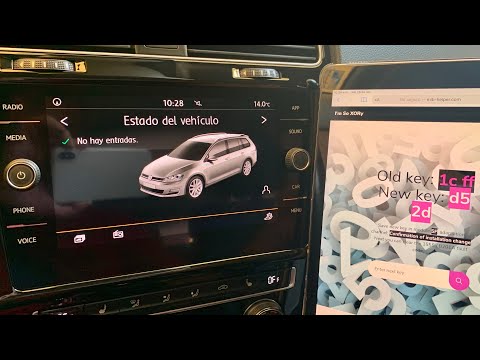
Volkswagen Golf
(2012-2019 /
MK 7, Golf 7, Golf VII)
To reset the infotainment system on the Volkswagen Golf, turn on the instrument cluster by turning the key in the ignition switch. Then, connect a sc…

Volkswagen Golf
(2012-2019 /
MK 7, Golf 7, Golf VII)
When the infotainment system of the Volkswagen Golf is not working, it is possible that some components managing its operation are damaged. You shoul…
Volkswagen Golf
(2012-2019 /
MK 7, Golf 7, Golf VII)
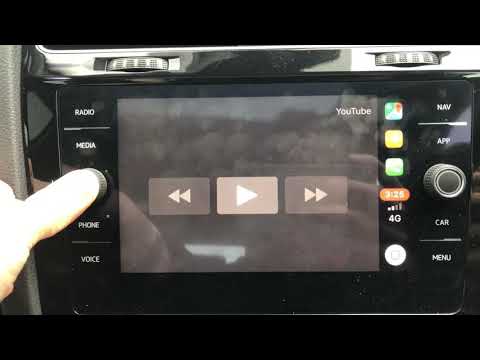
To reset the infotainment system of the Volkswagen Golf, press and hold the button located on the left side of the screen in the centre of the dashbo…
Other guides you may be interested in
|
How to open the bonnet on a Volkswagen Golf?
In this tutorial, you will see how to open the bonnet on a Volkswagen Golf MK4. This is a very simple operation that follows the standard procedure. First, open the driver's door, then locate the lever in the lower left area and pull it. Next, move to the front of the vehicle, lift the bonnet slightly, and find the second lever located just above the Volkswagen logo. At this point, simply pull it towards you, fully open the bonnet, and secure it with the prop rod. To close it, gently push it down. by ScegliAuto More videos
|
|
For advertising on this site Write to info@scegliauto.com
ScegliAuto is not responsible for any inaccuracy of the data in the lists. To report any inaccuracy or your business (if you own the business in question), please write to info@scegliauto.com
Number of seconds to generate the page: 0.059
(c) ScegliAuto 2026 - info@scegliauto.com - Privacy policy VAT number: IT01247470535 |
