
|
Do it yourself
| |||
| ||||


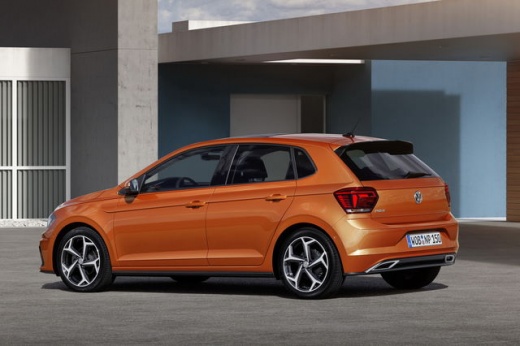
How to Replace the Battery in the New VW Polo Remote
Model: Volkswagen Polo
MK 6, Polo 6, AW1, MK VI, Polo VI
- Years:
2017, 2018, 2019, 2020, 2021, 2022, 2023, 2024, 2025
Video tutorial
If you are on this page, you have probably tried to open your Polo with the remote, but unfortunately, you received no response. You likely didn't notice that the battery was running low. Don't worry, you are in the right place. In this guide, I will explain how to do it step by step. You will soon realise how simple it is. On the side of the device buttons, press the button on the edge to release the key. Now, using a lever, you can lift the cover that protects the battery. Great, now you can proceed to replace it with the new part. Snap the cover back on, and now you are ready to go.
Updated on 13 March 2026 by ScegliAuto
Related tutorials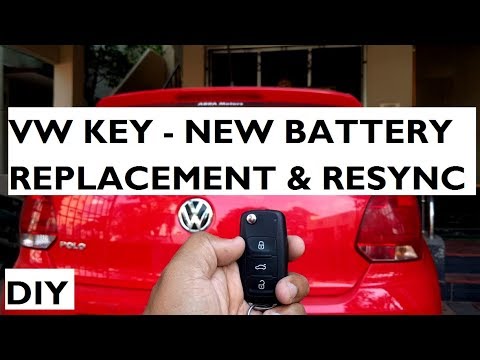
Volkswagen Polo
(2009-2017 /
6R, MK V, Polo 5, Polo V, MK 5)
Is the remote key battery flat? Let's look at how to replace the battery inside a Polo key. Press the release button on the metal key. Once the metal…

Volkswagen Polo
(2009-2017 /
6R, MK V, Polo 5, Polo V, MK 5)
Let's dismantle and replace the battery of the Volkswagen Polo key remote in simple and quick steps. First, take the remote in your hand and start re…

Volkswagen Polo
(2009-2017 /
6R, MK V, Polo 5, Polo V, MK 5)
This video shows you the procedure to disassemble and replace the battery in the key fob for the Volkswagen Polo 6R. First, take your key fob and sta…
Other guides you may be interested in
|
How to reset the tyre pressure warning light on the Kia Niro EV?
To reset the tyre pressure warning light on the Kia Niro EV, inflate the tyres until they reach the correct pressure value. This value is indicated on the sticker attached to the driver's door pillar. Once the tyres are inflated, turn on the instrument cluster to check that the warning light has completely disappeared from the display. If it is still present, you may need to drive for a few miles to ensure it disappears completely from the screen. by ScegliAuto More videos
|
|
For advertising on this site Write to info@scegliauto.com
ScegliAuto is not responsible for any inaccuracy of the data in the lists. To report any inaccuracy or your business (if you own the business in question), please write to info@scegliauto.com
Number of seconds to generate the page: 0.124
(c) ScegliAuto 2026 - info@scegliauto.com - Privacy policy VAT number: IT01247470535 |
