
|
Do it yourself
| |||
| ||||


Manual Alarm Deactivation
Model: Volkswagen Golf
Golf 5, MK 5, Golf V
- Years:
2003, 2004, 2005, 2006, 2007, 2008
Video tutorial
If the remote key battery is so low that it cannot open the car or deactivate the alarm system, proceed as follows: this is a manual procedure that allows you to disable the alarm. 1) Open the door using the manual key: the alarm siren will start sounding; 2) Insert the key into the ignition switch, turn on the ignition and turn off for 3 seconds; 3) Turn on the ignition again and turn off for 8 seconds; 4) Turn on the ignition again and turn off for 8 seconds; 5) Turn on the ignition again and turn off for 6 seconds; 6) Turn on the ignition again and turn off for 5 seconds. This alternating sequence of turning the ignition on and off with waits of 3, 8, 8, 6, and 5 seconds will disable the alarm.
Updated on 16 February 2026 by ScegliAuto
Related tutorials
Volkswagen Golf
(2003-2008 /
Golf 5, MK 5, Golf V)
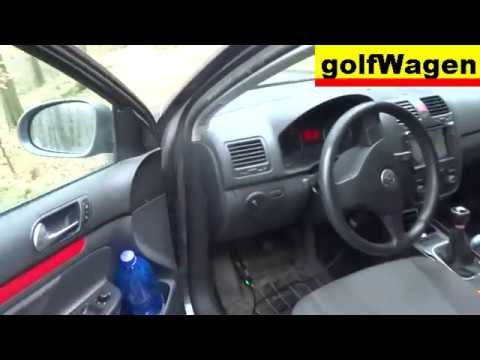
To disable the alarm on the Volkswagen Golf, connect a diagnostic tool to the vehicle's OBD port: this is located on the lower left side of the dashb…
Volkswagen Golf
(2003-2008 /
Golf 5, MK 5, Golf V)
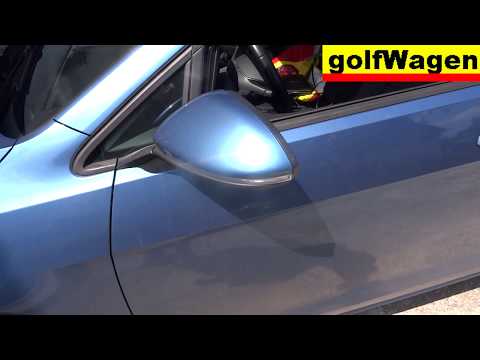
To deactivate the alarm of the Volkswagen Golf, connect a diagnostic tool to the vehicle's OBD port: this port is located at the bottom left of the d…
Volkswagen Golf
(2012-2019 /
MK 7, Golf 7, Golf VII)
To disable the alarm on a Volkswagen Golf, connect a diagnostic tool to the vehicle's OBD port: this is located on the lower left side of the dashboa…
Other guides you may be interested in
|
How to reset the tyre pressure warning light on the Kia Niro EV?
To reset the tyre pressure warning light on the Kia Niro EV, inflate the tyres until they reach the correct pressure value. This value is indicated on the sticker attached to the driver's door pillar. Once the tyres are inflated, turn on the instrument cluster to check that the warning light has completely disappeared from the display. If it is still present, you may need to drive for a few miles to ensure it disappears completely from the screen. by ScegliAuto More videos
|
|
For advertising on this site Write to info@scegliauto.com
ScegliAuto is not responsible for any inaccuracy of the data in the lists. To report any inaccuracy or your business (if you own the business in question), please write to info@scegliauto.com
Number of seconds to generate the page: 0.134
(c) ScegliAuto 2026 - info@scegliauto.com - Privacy policy VAT number: IT01247470535 |
