
|
Do it yourself
| |||
| ||||


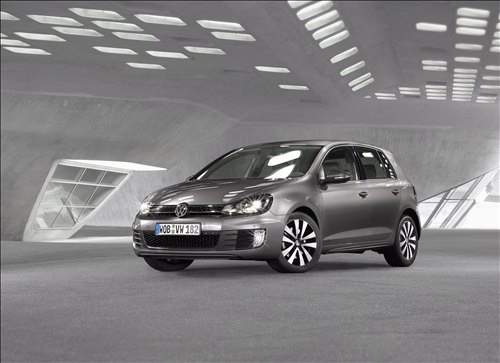
How to deactivate the daytime running lights of the Volkswagen Golf 6?
Model: Volkswagen Golf
Golf 6, MK 6, 5K1, Golf VI
- Years:
2008, 2009, 2010, 2011, 2012
Video tutorial
Deactivating the daytime running lights of the 2011 Volkswagen Golf 6 is a very simple operation that can be done in a few steps and minutes. To deactivate the daytime running lights, do the following: get into the vehicle, sit in the driver's seat, and pull the headlight lever inwards and downwards. While holding the lever in this position, turn on the ignition and turn it off as soon as a warning sound is emitted. Release the lever and turn the ignition back on to check that the daytime running lights have been successfully deactivated. This operation can also be performed on other Golf models.
Updated on 25 September 2026 by ScegliAuto
Related tutorials
Volkswagen Golf
(2008-2012 /
Golf 6, MK 6, 5K1, Golf VI)
By default, most cars have the daytime running lights active, meaning they turn on when the ignition is switched on without any action needed. For va…

Volkswagen Golf
(2012-2019 /
MK 7, Golf 7, Golf VII)
In this video, we see how it is possible to activate the daytime running lights from the Navigation menu on a Volkswagen Golf 7.5. We remind you that…

Volkswagen Golf
(2012-2019 /
MK 7, Golf 7, Golf VII)
In this video, you can see how to deactivate and activate the passenger side airbag in the Volkswagen Golf MK7. According to the highway code, it is …
Other guides you may be interested in
|
How to reset the tyre pressure warning light on the Kia Niro EV?
To reset the tyre pressure warning light on the Kia Niro EV, inflate the tyres until they reach the correct pressure value. This value is indicated on the sticker attached to the driver's door pillar. Once the tyres are inflated, turn on the instrument cluster to check that the warning light has completely disappeared from the display. If it is still present, you may need to drive for a few miles to ensure it disappears completely from the screen. by ScegliAuto More videos
|
|
For advertising on this site Write to info@scegliauto.com
ScegliAuto is not responsible for any inaccuracy of the data in the lists. To report any inaccuracy or your business (if you own the business in question), please write to info@scegliauto.com
Number of seconds to generate the page: 0.055
(c) ScegliAuto 2026 - info@scegliauto.com - Privacy policy VAT number: IT01247470535 |
