
|
Do it yourself
| |||
| ||||


How to Install the Navigator on the VW Golf
Model: Volkswagen Golf
MK 6, Golf VI, Golf 6, 5K1
- Years 2008-2012
If you want to replace the original radio with an aftermarket entertainment and navigation system, there are many plug-and-play solutions available that allow installation without modifying the original housing. Once you have chosen the most suitable model for your needs, ensuring that the adapter wiring is included, start by removing the trim around the original radio. Then unscrew the four mounting screws and pull it out of its slot, disconnecting the plugs. Also detach the central air vents to allow the auxiliary plugs to pass through into the glove compartment. Next, connect the adapter wiring and complete the installation of the new radio.
Updated on 26 February 2026 by ScegliAuto
Video tutorial
Related tutorials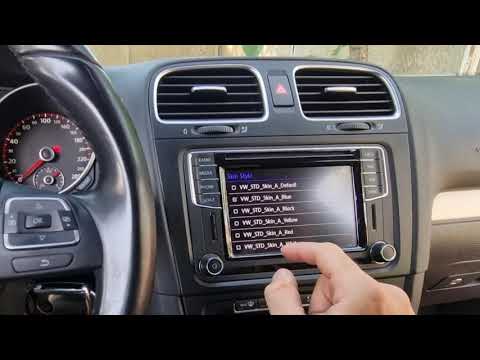
Volkswagen Golf
(2008-2012 /
MK 6, Golf VI, Golf 6, 5K1)
Unlocking the voice commands and App Connect on the Volkswagen Golf cannot be done independently: you must contact an authorised dealer, who will unl…

Volkswagen Golf
(2012-2019 /
Golf VII, MK 7, Golf 7)
In this video, we can see how to add new languages to the keyboard of the Volkswagen Golf VII. We go to the display, and enter the menu from the appr…
Volkswagen Golf
(2009-2016 /
)
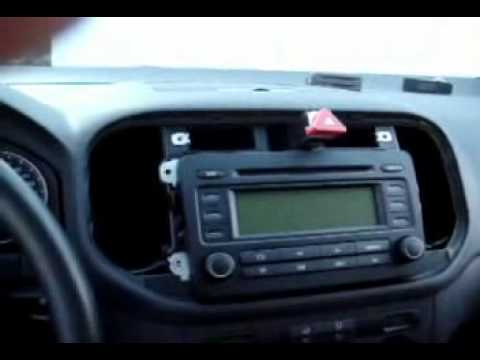
Do you need to replace a plastic part? A button? Or replace the standard radio with a satellite navigator? Let's see how to remove the dashboard in j…
Other guides you may be interested in
|
How to Open a Stuck Boot on the Peugeot 407?
On the Peugeot 407, the boot may become stuck, possibly due to a problem with the control button or the lock actuator. In such cases, you can perform an emergency opening by following the simple procedure shown in this tutorial. First, open the rear doors, then lower the seat back by operating the release lever. Next, go inside the boot, locate the lock, and manually operate it using a flathead screwdriver. The boot will then be free to open. by ScegliAuto More videos
|
|
For advertising on this site Write to info@scegliauto.com
ScegliAuto is not responsible for any inaccuracy of the data in the lists. To report any inaccuracy or your business (if you own the business in question), please write to info@scegliauto.com
Number of seconds to generate the page: 0.110
(c) ScegliAuto 2026 - info@scegliauto.com - Privacy policy VAT number: IT01247470535 |
