
|
Do it yourself
| |||
| ||||


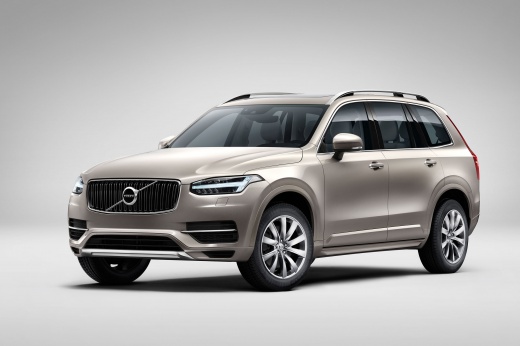
How to Reset the Service Light on a Volvo XC90?
Model: Volvo Xc90
MK 2
- Years:
2015, 2016, 2017, 2018, 2019, 2020, 2021, 2022, 2023, 2024, 2025, 2026
Video tutorial
From the display of the Volvo XC90, you can clear the Service light by pressing and holding the button on the left side of the steering wheel while the instrument cluster is off. Continue holding the button, insert the ignition key, and then start the engine with the appropriate button; this will cause the maintenance light to start flashing, and you can release the button when the light becomes steady. Finally, you can turn off the instrument cluster to confirm the reset of the service light.
Posted on 18 October 2026 by ScegliAuto
Related tutorials
Volvo Xc90
(2015-2026 /
MK 2)
On the Volvo XC90, the reset operation of the Service light is carried out by pressing and holding the - button located on the left side of the steer…

Volvo Xc90
(2015-2026 /
MK 2)
In the instrument panel of the Volvo XC90, you can reset the Service light by pressing and holding the button located on the left side of the steerin…

Volvo Xc90
(2015-2026 /
MK 2)
To begin resetting the Service light on the Volvo XC90, press and hold the button located on the left side of the steering wheel while the instrument…
Other guides you may be interested in
|
How to Remove the Front Bumper of the Renault Trafic?
To remove the front bumper of the Renault Trafic, use a tool to pry off the grille at the top: once this grille is removed, you can loosen the screws at the bottom to detach the front headlights. These must now be extracted by disconnecting the underlying connectors: this will allow you to loosen the additional screws that secure the front bumper and remove it completely. At this point, you can insert the new replacement part and check that everything functions correctly. by ScegliAuto More videos
|
|
For advertising on this site Write to info@scegliauto.com
ScegliAuto is not responsible for any inaccuracy of the data in the lists. To report any inaccuracy or your business (if you own the business in question), please write to info@scegliauto.com
Number of seconds to generate the page: 0.113
(c) ScegliAuto 2026 - info@scegliauto.com - Privacy policy VAT number: IT01247470535 |
