
|
Do it yourself
| |||
| ||||


Installing GROM Module iPod/iPhone/iPad Adapter
Model: Volvo V70
MK 1
- Years:
1996, 1997, 1998, 1999, 2000
Video tutorial
Before proceeding with the removal of the original car radio, ensure you have the corresponding activation code (RADIO PASS). Press on the extraction tabs to release them and pull the car radio from its position, disconnecting the connectors. Prepare the electrical connections as per the attached diagram and position the GROM module directly behind the car radio. Reconnect the connectors to the original car radio and reinsert it into its position until it clicks into place. Then, run the cable with the AUX output connector along the central tunnel to position it in the glove compartment. Next, run the cable to connect to the microphone and position it at the top of the door pillar.
Updated on 4 February 2026 by ScegliAuto
Related tutorials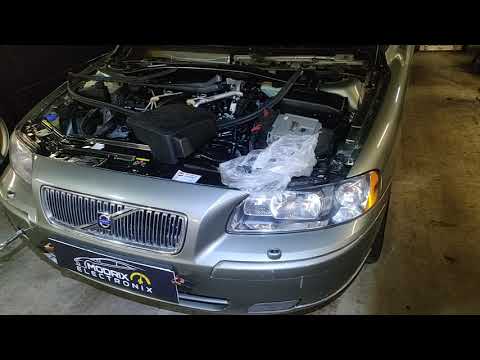
Volvo V70
(2007-2016 /
MK 3)
To disable the immobiliser on the Volvo V70, you need to completely remove the module that activates this security system: this module is located ins…
Volvo V70
(2000-2007 /
MK 2)
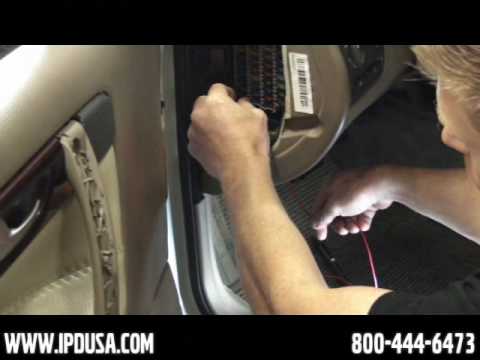
Start by connecting the tubing to the back of the vacuum gauge and the power cable; then install the vacuum gauge into the bracket, which will allow …
Volvo V70
(2000-2007 /
MK 2)
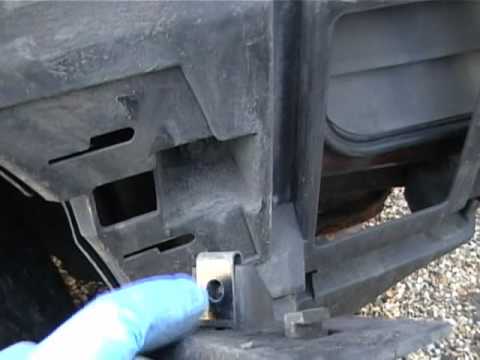
Open the rear bonnet, lift the cover panel, remove the spare wheel, and take off the trims to access the fastening pins of the rear bumper for remova…
Other guides you may be interested in
|
How to Remove the Rear Seat of a Hyundai Tucson?
To remove the rear seat of a Hyundai Tucson, follow these steps. Start by moving the front seats to their most forward position to gain space. Next, locate the release lever on the underside of the rear seat, near the floor. Press this lever down while pulling the seat upwards to unlock it from the anchor pins. Once unlocked, tilt the seat upwards and forwards to remove it from its position. Repeat this process for both sides of the rear seat. Be careful of any electrical cables or components that may be connected to the seat during removal. Once the rear seat is removed, the disassembly is complete. by ScegliAuto More videos
|
|
For advertising on this site Write to info@scegliauto.com
ScegliAuto is not responsible for any inaccuracy of the data in the lists. To report any inaccuracy or your business (if you own the business in question), please write to info@scegliauto.com
Number of seconds to generate the page: 0.010
(c) ScegliAuto 2026 - info@scegliauto.com - Privacy policy VAT number: IT01247470535 |
