
|
Do it yourself
| |||
| ||||


|
If you notice cracks or splits on the poly-V belt, also known as the auxiliary belt, it is advisable to replace it as soon as possible since it drives the water pump, power steering, etc. To remove it, you need clear access to the engine from both the top and bottom. Start by opening the bonnet and removing the two covers and the pipe as shown in the images. Then, using a spanner, move the tensioner pulley to slide the belt off. Now, from underneath, remove the plate and the small panel shown in the images and partially unscrew the under-fender cover to completely remove the belt. Car model: Volvo S80 Year: 2000
Required tools: 13-14mm socket and ring spanners.
Updated on 11 February 2026 by ScegliAuto
Video tutorial
Related tutorials
Volvo S80
(1999-2006 /
MK 1)
In order to replace the timing belt of the Volvo S80, you need to open the hood and remove the cover on the left side of the engine block. You may al…
Volvo S80
(1998-2006 /
)
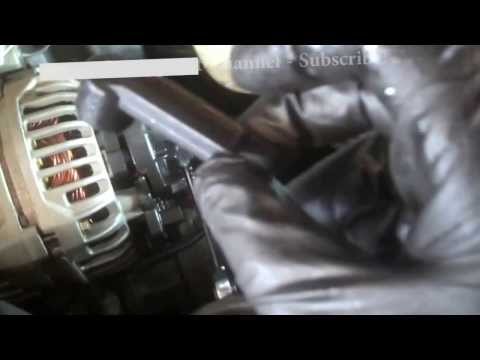
When the alternator fails, the battery charge warning light illuminates on the dashboard: you must replace it as soon as possible since the remaining…
Volvo S80
(1998-2006 /
)
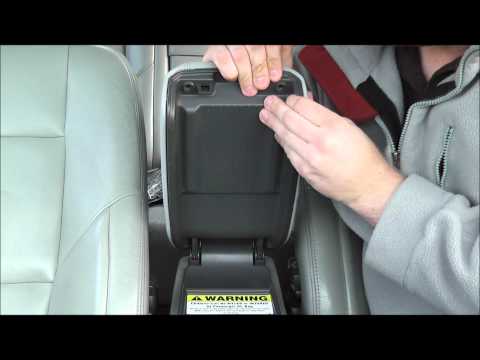
If the leather covering of the central armrest is damaged, it can be removed for reupholstering or replaced with the original spare part, which is av…
Other guides you may be interested in
|
How to Check the Oil Level on a Jeep Renegade?
To check the oil level on a Jeep Renegade, you need to open the bonnet to access the components inside the engine bay: on the lower left side of the engine block, you will find the dipstick for checking the level. This should be pulled out and thoroughly cleaned with a cloth: once cleaned, reinsert it back into its tube and pull it out immediately after. This way, you can check that the oil mark is between the minimum and maximum levels; finally, you can place the dipstick back in its tube. by ScegliAuto More videos
|
|
For advertising on this site Write to info@scegliauto.com
ScegliAuto is not responsible for any inaccuracy of the data in the lists. To report any inaccuracy or your business (if you own the business in question), please write to info@scegliauto.com
Number of seconds to generate the page: 0.597
(c) ScegliAuto 2026 - info@scegliauto.com - Privacy policy VAT number: IT01247470535 |
