
|
Do it yourself
| |||
| ||||


How to replace the battery in your BMW 2 Series key
Model: BMW Serie 2
F45
- Years 2014-2021
If you own a BMW 2 Series and want to find out how to replace the battery in your key, all you have to do is read the following guide carefully and put everything you will find described into practice. First you have to remove the emergency key and to do this, simply pull the metal part of the cover outwards. Immediately afterwards, use the same emergency key to remove the back cover and thus have access to the dead battery. Finally, also remove the latter and insert the new battery. Put everything back together and you're done.
Posted on 7 September 2022 by ScegliAuto
Video tutorial
Related tutorials
BMW Serie 2
(2014-2021 /
F45)
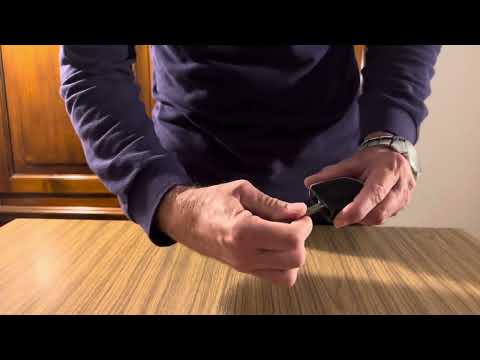
Here are the steps to disassemble and replace the battery in the key fob for the BMW 2 Series. First, take your key fob and extract the physical key …
BMW Serie 2
(2014-2021 /
F45)
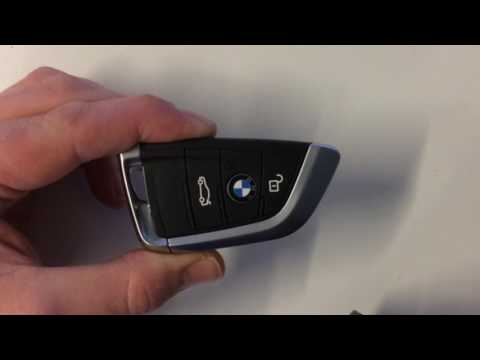
Today we can see, thanks to this very useful video tutorial, the entire procedure necessary to replace the battery of a BMW Series 2 remote control. …
BMW Serie 2
(2014-2021 /
F45)
Today we will see, in this short and simple video tutorial, how to disassemble and replace the battery of the remote control of the key of a BMW 2 Se…
Other guides you may be interested in
|
How to Reset the Maintenance Reminder on a Peugeot 207
To reset the maintenance reminder indicator, you will need to start your vehicle's ignition to use the buttons located next to the central display of the onboard computer. By holding both buttons for a few seconds, you will notice that all the warning lights on the dashboard will illuminate. Continue holding the buttons, and you will see a countdown start. When it reaches zero, you can turn off the ignition and restart the car to completely resolve the issue, and that's it! by ScegliAuto More videos
|
|
For advertising on this site Write to info@scegliauto.com
ScegliAuto is not responsible for any inaccuracy of the data in the lists. To report any inaccuracy or your business (if you own the business in question), please write to info@scegliauto.com
Number of seconds to generate the page: 0.182
(c) ScegliAuto 2026 - info@scegliauto.com - Privacy policy VAT number: IT01247470535 |
