
|
Do it yourself
| |||
| ||||


Replacing the Radiator Fan
Model: BMW Serie 3
E46
- Years:
1998, 1999, 2000, 2001, 2002, 2003, 2004, 2005, 2006
Video tutorial
The cooling fan of the engine's cooling system is mounted at the front of the radiator on a plastic support frame that also houses the control module and the motor. To replace it, you need to remove the front bumper. Start by removing the front headlights, then proceed to the bumper. Remove the plastic cover that acts as an air duct by taking out the push fasteners (first pull out the pin and then the entire fastener) and continue with the fan replacement by disconnecting the connector from the control module.
Updated on 15 February 2026 by ScegliAuto
Related tutorials
BMW Serie 3
(1998-2006 /
E46)
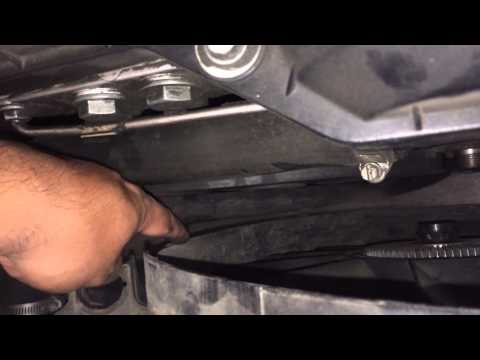
Open the hood of the engine compartment and locate the position of the radiator fan, which is at the front just behind the radiator itself. Using two…
BMW Serie 3
(2005-2013 /
E92, E90, E91)
This video shows how to remove the fan and the radiator cover. First, locate how to secure the nut that holds the fan; once you find a way, loosen it…
BMW Serie 3
(2005-2013 /
E92, E90, E91)
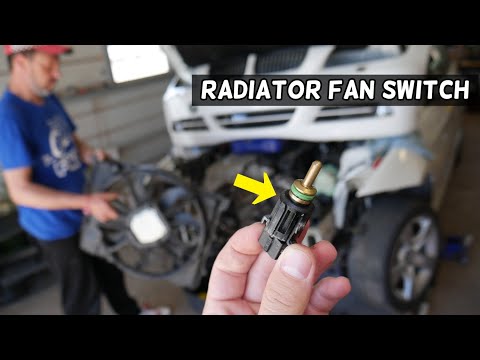
Today, locate the switch connected to the radiator fan on the BMW 3 Series E90. To access it, you will have a lengthy task, as you must first disasse…
Other guides you may be interested in
|
How to Reset the Tyre Pressure Warning Light on the Jeep Renegade?
To reset the tyre pressure warning light on the Jeep Renegade, inflate the tyres until they reach the recommended pressure: this value is indicated on the sticker attached to the driver’s door pillar. Once the tyres are properly inflated, navigate through the menu that appears on the instrument cluster until you find the tyre pressure option. At this point, press and hold the OK button on the right side of the steering wheel to make the warning light disappear. by ScegliAuto More videos
|
|
For advertising on this site Write to info@scegliauto.com
ScegliAuto is not responsible for any inaccuracy of the data in the lists. To report any inaccuracy or your business (if you own the business in question), please write to info@scegliauto.com
Number of seconds to generate the page: 0.038
(c) ScegliAuto 2026 - info@scegliauto.com - Privacy policy VAT number: IT01247470535 |
