
|
Do it yourself
| |||
| ||||


How to Reset the Check Engine Light on a BMW 3 Series
Model: BMW Serie 3
E46
- Years 1998-2006
To reset the check engine light, you need a diagnostic tool capable of clearing the various errors displayed by the engine control unit. Here’s how to reset the check engine light on a BMW 3 Series. After addressing the issue, turn on the ignition and connect your tool to the OBD port of your car, located inside (below the driver's side). Then, scan for errors and follow the procedure indicated by the tool to reset the check engine light, following the video tutorial to the end!
Updated on 2 July 2026 by ScegliAuto
Video tutorial
Related tutorials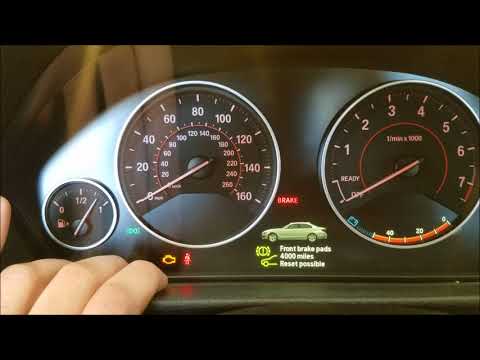
BMW Serie 3
(2012-2019 /
F30, F31)
In today's video, you will learn how to reset the engine light on a BMW 3 Series F30 after resolving the issues that triggered the light. First, get …
BMW Serie 3
(1998-2006 /
E46)
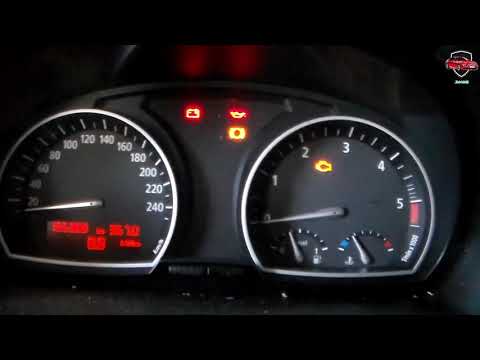
To reset the brake light on a BMW 3 Series E46 - after completing the required services - get in the vehicle, close all four doors, and turn on the i…
BMW Serie 3
(2005-2013 /
E91, E90, E92)
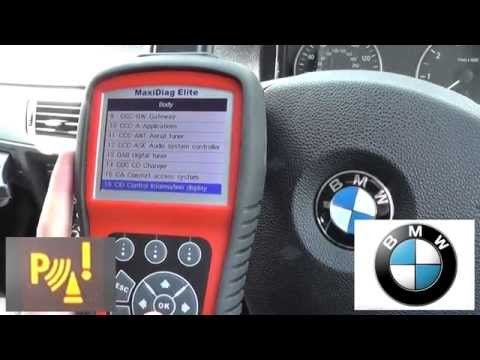
In this video, you will find instructions on how to reset the parking sensor light on a BMW 3 Series E90, following the steps outlined below. To rese…
Other guides you may be interested in
|
Frequently Asked QuestionsHow to Adjust the Brightness of the Instrument Cluster on a Peugeot 3008?
To adjust the brightness of the instrument cluster on a Peugeot 3008, you need to turn on the ignition and access the settings via the menu located in the central area of the dashboard. In the screen that appears, select the "Display Configuration" option: now, by selecting the "Brightness" option, you can adjust it using the dedicated slider that will appear on the screen. The adjustment should be made with the headlights on as well as with them off. Once the adjustment is complete, you can turn off the instrument cluster. by ScegliAuto More videos
|
|
For advertising on this site Write to info@scegliauto.com
ScegliAuto is not responsible for any inaccuracy of the data in the lists. To report any inaccuracy or your business (if you own the business in question), please write to info@scegliauto.com
Number of seconds to generate the page: 0.085
(c) ScegliAuto 2026 - info@scegliauto.com - Privacy policy VAT number: IT01247470535 |
