
|
Do it yourself
| |||
| ||||


How to remove the rearview mirror of the BMW F30
Model: BMW Serie 3
F30, F31
- Years 2012-2019
Removing the external rearview mirror of the BMW F30 has never been easier, thanks to today's video guide that will explain what to do. The first thing to do is to remove the door switch panel, which can be done by simply using a plastic tool to gently pry it off and disconnect the connector. Then we can proceed to remove the plastic cover of the upper and lower door, being careful not to break the plastic hooks and screws. Now, using a cross wrench, we can remove the three bolts that secure the mirror and gently pull it out. To install a new mirror, we just need to follow the same steps described above, but in reverse.
Posted on 10 April 2023 by ScegliAuto
Video tutorial
Related tutorials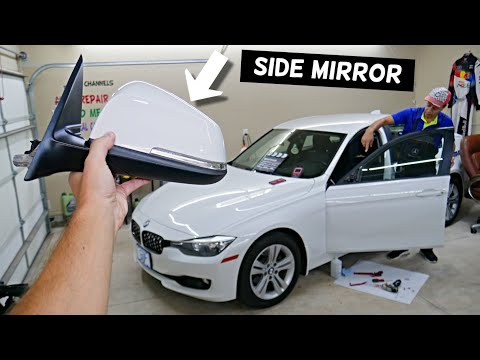
BMW Serie 3
(2012-2019 /
F30, F31)
In this tutorial, we can see how to disassemble the external rearview mirror in the BMW 3 Series, an extremely simple and fast operation. First of al…

BMW Serie 3
(1998-2006 /
E46)
Below we will see the instructions that will allow us to disassemble and replace the interior rearview mirror of the BMW 3 Series. First, we get on b…
BMW Serie 3
(2012-2019 /
F30, F31)
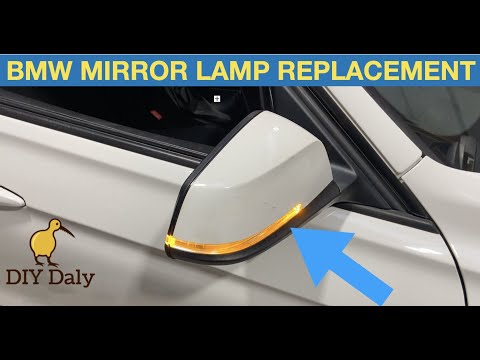
Let's find out, in this video tutorial, how to remove and replace the bulb or the indicator light of the external rearview mirror of the BMW 3 Series…
Other guides you may be interested in
|
How to Pair Smartphone with Bluetooth System on Fiat Tipo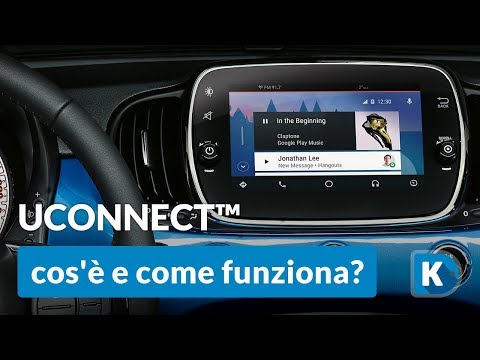
Here’s how to pair your smartphone with the Bluetooth system of the Fiat Tipo's car radio: activate the Bluetooth on your smartphone and set the car radio to connect with the external device. When the car's multimedia system detects your smartphone's Bluetooth, confirm and click on the 'new cell' option. Once the system has detected the smartphone, enter the pairing password if necessary. Finally, download the app on your smartphone and confirm the pairing with the car's multimedia system. Now your smartphone is connected to your car. by ScegliAuto More videos
|
|
For advertising on this site Write to info@scegliauto.com
ScegliAuto is not responsible for any inaccuracy of the data in the lists. To report any inaccuracy or your business (if you own the business in question), please write to info@scegliauto.com
Number of seconds to generate the page: 0.047
(c) ScegliAuto 2026 - info@scegliauto.com - Privacy policy VAT number: IT01247470535 |
