
|
Do it yourself
| |||
| ||||


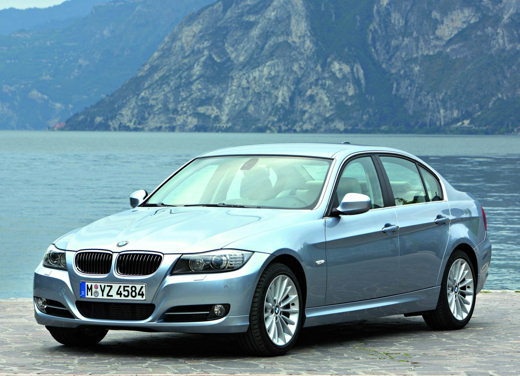
Front Turn Signal Bulb Replacement
Model: BMW Serie 3
E92, E91, E90
- Years:
2005, 2006, 2007, 2008, 2009, 2010, 2011, 2012, 2013
Video tutorial
First, turn the steering wheel so that the wheel corresponding to the side where you need to replace the bulb is turned inward. Now, look inside the fender and find the opening corresponding to the turn signal to access the bulb. Rotate the bulb housing counterclockwise to unlock it and pull it out. At this point, you can remove the bulb. Clean the contacts if necessary and/or replace the bulb. To reassemble, follow the steps in reverse order. The maintenance operation shown in the video is performed on a BMW 3 Series.
Updated on 20 February 2026 by ScegliAuto
Related tutorials
BMW Serie 3
(1998-2006 /
E46)
To easily replace the front turn signal bulb located near the headlight, it is recommended to remove the turn signal itself, as this is a very simple…

BMW Serie 3
(1990-2001 /
E36)
To replace the front turn signal bulb, located next to the headlight, you need to remove the light assembly. Open the hood and access the hole along …

BMW Serie 3
(1998-2006 /
E46)
To remove the side turn signal, gently push the signal forward and insert the tip of a flat screwdriver into the back (at nine o'clock) until you hea…
ScegliAuto offers an extensive international collection of automotive tutorials available in 12 languages. Each guide combines instructional videos with original explanations written by experienced human editors, along with information about the car models covered.
Other guides you may be interested in
|
How to Connect Your Mobile Phone to a Fiat Panda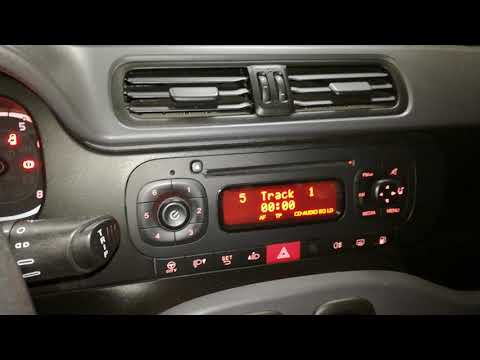
To connect a mobile phone to a Fiat Panda, first obtain a USB cable. Connect one end of the USB cable to the phone and the other end to the USB port in the car located under the gear lever. Once the phone is connected, go to the phone's settings and select the car device. To select the phone from the car radio, press the "media" button until "ex. Device" / "ext. disp." appears, allowing you to access the songs on your phone. The phone can also be connected via Bluetooth by turning it on and selecting the car device. by ScegliAuto More videos
|
|
For advertising on this site Write to info@scegliauto.com
ScegliAuto is not responsible for any inaccuracy of the data in the lists. To report any inaccuracy or your business (if you own the business in question), please write to info@scegliauto.com
Number of seconds to generate the page: 0.059
(c) ScegliAuto 2026 - info@scegliauto.com - Privacy policy - About us VAT number: IT01247470535 |
