
|
Do it yourself
| |||
| ||||


How to Reset the Service Light on a BMW 3 Series E90?
Model: BMW Serie 3
E91, E90, E92
- Years 2005-2013
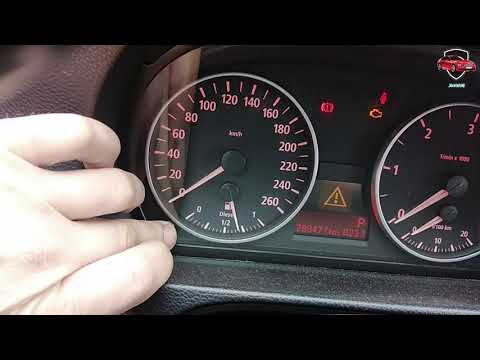
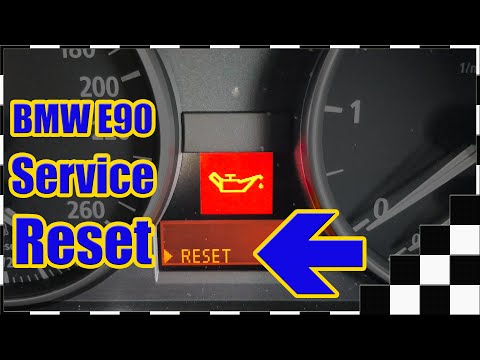
To reset the service light on a BMW 3 Series E90, which was produced between 2005 and 2013, first press and hold the small button located on the left side of the dashboard, then turn the key to the "On" position. Using the scroll button on the lever located on the left side of the steering wheel, navigate through the various menus until the display shows the word "reset". Confirm by pressing the "BC" button, which is also located at the end of the lever, then turn off the ignition.
Updated on 31 August 2026 by ScegliAuto
This video is currently unavailable
Related tutorials
BMW Serie 3
(2005-2013 /
E91, E90, E92)
If you own a BMW 3 Series e90 (2011) and want to learn how to manually reset the service light that remains on even after servicing your car, all you…
BMW Serie 3
(2005-2013 /
E91, E90, E92)
Discover how to reset the oil change service light on the BMW 3 Series E90 and 1 Series E87 by following the instructions below. First, get in the ve…
BMW Serie 3
(2005-2013 /
E91, E90, E92)
In this video, see the instructions to reset the service light for the regular oil change maintenance on a BMW 3 Series E90. First, get inside the ve…
Other guides you may be interested in
|
Frequently Asked QuestionsHow to Check the Oil Level on a Jeep Renegade?
To check the oil level on a Jeep Renegade, you need to open the bonnet to access the components inside the engine bay: on the lower left side of the engine block, you will find the dipstick for checking the level. This should be pulled out and thoroughly cleaned with a cloth: once cleaned, reinsert it back into its tube and pull it out immediately after. This way, you can check that the oil mark is between the minimum and maximum levels; finally, you can place the dipstick back in its tube. by ScegliAuto More videos
|

|
For advertising on this site Write to info@scegliauto.com
ScegliAuto is not responsible for any inaccuracy of the data in the lists. To report any inaccuracy or your business (if you own the business in question), please write to info@scegliauto.com
Number of seconds to generate the page: 0.371
(c) ScegliAuto 2026 - info@scegliauto.com - Privacy policy VAT number: IT01247470535 |
