
|
Do it yourself
| |||
| ||||


Can the energy saving Eco mode of the Citroen C4 Picasso be deactivated?
Model: Citroen C4 Picasso
MK 1
- Years 2006-2013
The Eco mode of the Citroen C4 Picasso and many other cars, created with the aim of reducing polluting emissions, can be, if desired, deactivated. In this regard, let's see how to do it independently in the available video: Turn on the instrument panel and notice the aforementioned active mode, turn it off and go to the engine compartment, where we will disconnect the negative pole of the power supply battery for about a minute. After this time, reconnect the cable, get into the car, wait sixty seconds and turn on the instrument panel. In this way, the mode in question will be inactive.
Posted on 9 August 2024 by ScegliAuto
Video tutorial
Related tutorials
Citroen C4 Picasso
(2013-2022 /
MK 2)
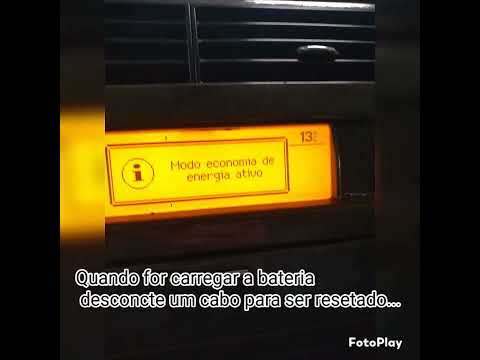
The energy saving mode is activated in Citroen cars, such as the Citroen C4 Grand Picasso shown in the attached video, in order to preserve the not e…
Citroen C4 Picasso
(2006-2013 /
MK 1)
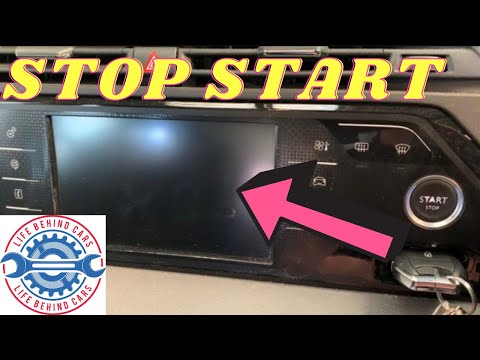
To deactivate the start and stop feature on the Citroen Grand C4 Picasso, proceed as follows: insert the key into its slot and start the vehicle. On …
Citroen C4 Picasso
(2013-2022 /
MK 2)
One of the most common problems for Citroen users is Eco mode, which often prevents the vehicle from starting and causes a lot of frustration for C4 …
Other guides you may be interested in
|
How to Adjust the Brightness of the Instrument Cluster on a Peugeot 3008?
To adjust the brightness of the instrument cluster on a Peugeot 3008, you need to turn on the ignition and access the settings via the menu located in the central area of the dashboard. In the screen that appears, select the "Display Configuration" option: now, by selecting the "Brightness" option, you can adjust it using the dedicated slider that will appear on the screen. The adjustment should be made with the headlights on as well as with them off. Once the adjustment is complete, you can turn off the instrument cluster. by ScegliAuto More videos
|
For advertising on this site Write to info@scegliauto.com
ScegliAuto is not responsible for any inaccuracy of the data in the lists. To report any inaccuracy or your business (if you own the business in question), please write to info@scegliauto.com
Number of seconds to generate the page: 0.358
(c) ScegliAuto 2026 - info@scegliauto.com - Privacy policy VAT number: IT01247470535 |
