
|
Do it yourself
| |||
| ||||



How to Remove the Indicator Stalk on Fiat Panda
Model: Fiat Panda
319, MK 3
- Years:
2012, 2013, 2014, 2015, 2016, 2017, 2018, 2019, 2020, 2021, 2022, 2023
This video is currently unavailable
Are you experiencing problems with the indicator stalk on your Fiat Panda? Follow these steps to remove the part: first, disconnect the battery cables located in the engine bay. Next, unscrew the screws located on the sides of the steering wheel. Remove the airbag from the steering wheel along with the relevant power connectors. Once the airbag is removed, unscrew the large central pin that secures the steering wheel and pull the steering wheel towards you. Carefully detach the round piece positioned above the indicator stalk, taking care not to damage it. Prepare to install the new part by reversing the steps.
Updated on 3 March 2026 by ScegliAuto
Related tutorials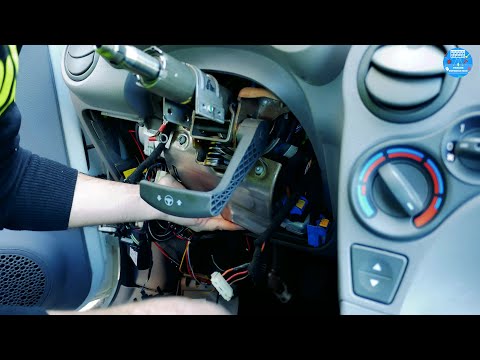
Fiat Panda
(2003-2012 /
169, MK 2)
The video shows how to install an EPS power steering unit on a Fiat Panda 169. After removing the old part, proceed with the replacement by passing t…
Fiat Panda
(2003-2012 /
169, MK 2)
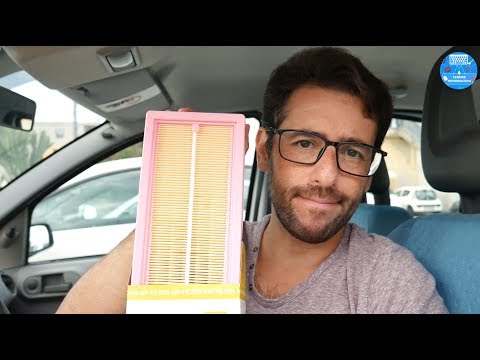
Before you can start, open the bonnet of your Fiat Panda to access the engine bay. Begin by unfastening the clips that secure the air filter cover. T…
Fiat Panda
(2003-2012 /
169, MK 2)
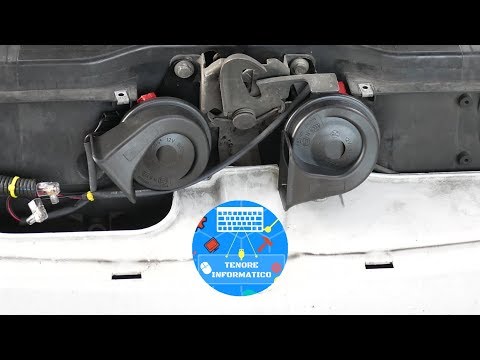
Before you can begin, open the front bonnet of your Fiat Panda. Start by unscrewing and removing the screws that secure the front mask, then remove t…
Other guides you may be interested in
|
How to Set the Clock on a Renault Master 3
This guide shows you how to set a new time on a Renault Master 3. Start by turning on the instrument cluster of the vehicle without starting the engine. Next, using the end of the right-hand steering column stalk, scroll through the options on the display until you reach 'set time', then press the down arrow button to make the displayed time blink. Once this is done, press and hold the down arrow button to change the hour, which you can adjust using the two arrow buttons at the end of the stalk. Once the correct hour is set, press and hold the down arrow button again to move to the minutes. After setting the correct time, restart the vehicle. by ScegliAuto More videos
|
|
For advertising on this site Write to info@scegliauto.com
ScegliAuto is not responsible for any inaccuracy of the data in the lists. To report any inaccuracy or your business (if you own the business in question), please write to info@scegliauto.com
Number of seconds to generate the page: 0.071
(c) ScegliAuto 2026 - info@scegliauto.com - Privacy policy VAT number: IT01247470535 |
