
|
Do it yourself
| |||
| ||||


How to Change the Key Battery of the Dodge Journey
Model: Fiat Freemont
MK 1
- Years 2011-2016
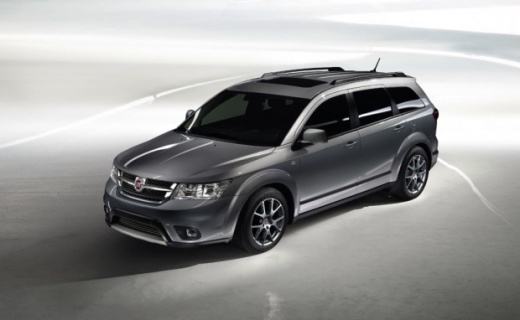
Replacing the battery of the key fob with a keyless system for the Dodge Journey, the American sibling of the Fiat Freemont, is very simple and can be done in two easy steps. Start by extracting the mechanical key from the fob (the so-called blade) by releasing the lock on the back of the fob. Then, use the blade to lever between the shells to open and separate them: the front shell houses the electronic circuit of the fob while the rear shell contains the CR2032 battery. It is advisable to check the charge status of the new battery with a multimeter before installing it and closing the shells.
Updated on 11 March 2026 by ScegliAuto
Video tutorial
Related tutorials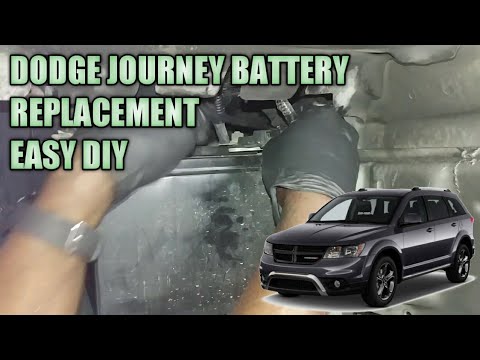
Fiat Freemont
(2011-2016 /
MK 1)
In this video, see how to change the battery in the Fiat Freemont and Dodge Journey. The two cars have the same system and components, so proceed wit…
Fiat Freemont
(2011-2016 /
MK 1)
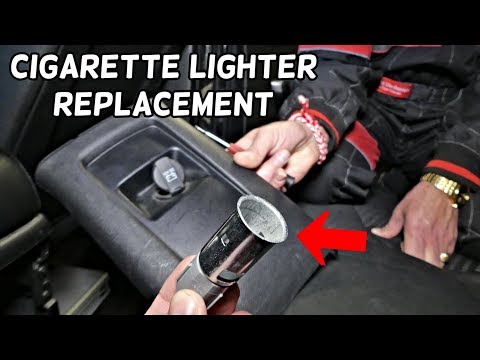
Removing the rear cigarette lighter on Dodge Journey and Fiat Freemont is extremely simple. In fact, to do this you will only need a plastic lever. U…
Fiat Freemont
(2011-2016 /
MK 1)
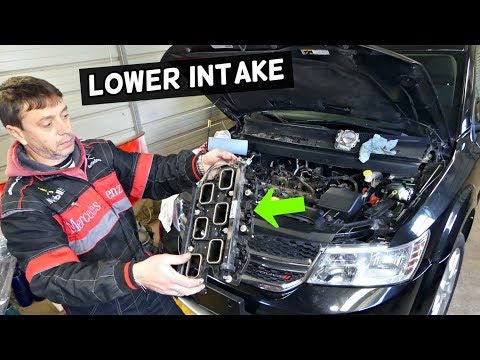
In today's video tutorial we will see the main instructions that will allow us to disassemble and replace the intake manifold of the Fiat Freemont an…
Other guides you may be interested in
|
How to Pair Smartphone with Bluetooth System on Fiat Tipo
Here’s how to pair your smartphone with the Bluetooth system of the Fiat Tipo's car radio: activate the Bluetooth on your smartphone and set the car radio to connect with the external device. When the car's multimedia system detects your smartphone's Bluetooth, confirm and click on the 'new cell' option. Once the system has detected the smartphone, enter the pairing password if necessary. Finally, download the app on your smartphone and confirm the pairing with the car's multimedia system. Now your smartphone is connected to your car. by ScegliAuto More videos
|
|
For advertising on this site Write to info@scegliauto.com
ScegliAuto is not responsible for any inaccuracy of the data in the lists. To report any inaccuracy or your business (if you own the business in question), please write to info@scegliauto.com
Number of seconds to generate the page: 0.156
(c) ScegliAuto 2026 - info@scegliauto.com - Privacy policy VAT number: IT01247470535 |
