
|
Do it yourself
| |||
| ||||


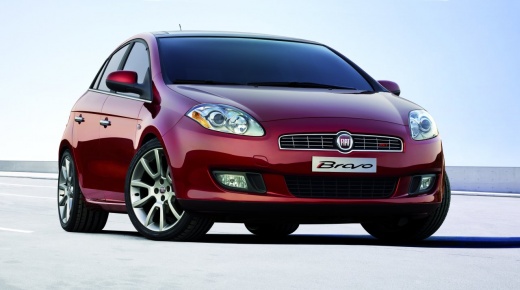
How to Replace the Air Filter on a Fiat Bravo
Model: Fiat Bravo
Bravo 2
- Years:
2007, 2008, 2009, 2010, 2011, 2012, 2013, 2014
Video tutorial
In this video tutorial, you will see how to replace the air filter on a Fiat Bravo by following some simple steps: the first thing to do is to purchase a new air filter from an authorised dealer; the next step is to get inside the vehicle, start the engine, and pull the handbrake. Lift the bonnet and secure it with the appropriate prop. You will need an 8mm socket; raise the car with a hydraulic jack and place safety stands underneath, plus a wheel for added safety. Remove the three nuts from the filter box cover using the 8mm socket; now remove the old filter and replace it with the new one. Once the new filter is fitted, you can lower the vehicle.
Updated on 31 July 2026 by ScegliAuto
Related tutorials
Fiat Bravo
(2007-2014 /
Bravo 2)
Below we will discover the steps that will allow us to disassemble and replace the diesel filter of the Fiat Bravo 1.6 MultiJet. First, we open the h…
Fiat Bravo
(2007-2014 /
Bravo 2)
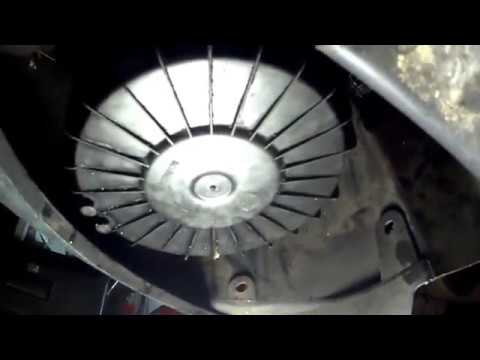
Want to replace the air filter in your car? Here’s how to remove and replace the engine air filter on a Fiat Bravo: lift the car using a column lift …
Fiat Bravo
(2007-2014 /
Bravo 2)
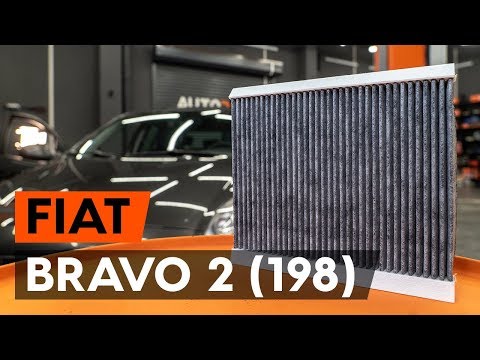
In this video tutorial, you will learn how to remove and replace the cabin air filter of a second series Fiat Bravo. The air filter is located at the…
Other guides you may be interested in
|
How to Reset the Tyre Pressure Warning Light on a Kia Rio?
The tyre pressure warning light displayed on the instrument cluster of the Kia Rio can be reset by inflating the tyres until they reach the recommended pressure value: this value is indicated on the sticker affixed to the driver's door pillar. Once all tyres have been inflated to the recommended pressure, turn on the ignition to check that the light has disappeared: if it is still present, it may be necessary to drive for a few miles, allowing the sensors to work and thus turning off the light. by ScegliAuto More videos
|
|
For advertising on this site Write to info@scegliauto.com
ScegliAuto is not responsible for any inaccuracy of the data in the lists. To report any inaccuracy or your business (if you own the business in question), please write to info@scegliauto.com
Number of seconds to generate the page: 0.043
(c) ScegliAuto 2026 - info@scegliauto.com - Privacy policy VAT number: IT01247470535 |
