
|
Do it yourself
| |||
| ||||


Evaporator Temperature Sensor Replacement
Model: Ford Mondeo / Fusion
MK 2
- Years:
2000, 2001, 2002, 2003, 2004, 2005, 2006, 2007
Video tutorial
This video shows the complicated procedure for replacing the evaporator temperature sensor on a Ford Mondeo. The replacement of the individual part is straightforward; however, the sensor is located in a difficult-to-reach spot, requiring the disassembly of much of the front interior structure of the car. Remove the side panel that protects the side ducts above the passenger's windscreen and disconnect the electrical connection; unscrew the screws of the passenger side glove box and detach the entire plastic structure between the two seats; once the gear lever is exposed, unscrew the bolts at its base and remove it. Now also disassemble and extract the onboard computer and disconnect its electrical connection. With access to the bolts securing the dashboard, unscrew them and pull the dashboard assembly towards you: only then can you access the sensor in question. Release it using a hook and replace it with a new one. Reassemble the vehicle as before, reversing the disassembly steps.
Updated on 11 February 2026 by ScegliAuto
Related tutorials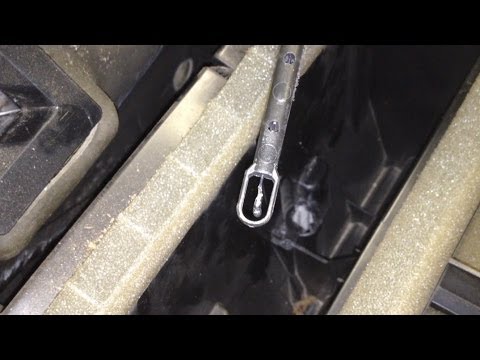
Ford Mondeo / Fusion
(2000-2007 /
MK 2)
This video shows how to remove and replace the air conditioning temperature sensor on your car. If you have experienced issues with your air conditio…
Ford Mondeo / Fusion
(1993-2000 /
MK 1)
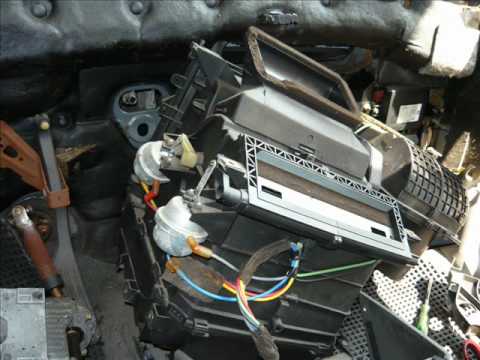
This video shows images related to the process of replacing the evaporator core of a Ford Mondeo. First, remove the radio block, dashboard, entire ce…
Ford Mondeo / Fusion
(2000-2007 /
MK 2)
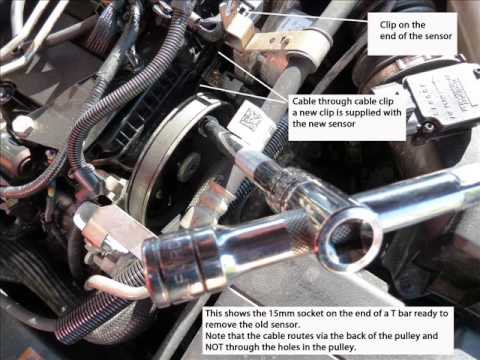
The temperature sensor resembles a glow plug with a cable and connector attached. Open the front bonnet and remove the plastic cover located on top o…
Other guides you may be interested in
|
How to Reset the Tyre Pressure Warning Light on a Kia Rio?
The tyre pressure warning light displayed on the instrument cluster of the Kia Rio can be reset by inflating the tyres until they reach the recommended pressure value: this value is indicated on the sticker affixed to the driver's door pillar. Once all tyres have been inflated to the recommended pressure, turn on the ignition to check that the light has disappeared: if it is still present, it may be necessary to drive for a few miles, allowing the sensors to work and thus turning off the light. by ScegliAuto More videos
|
For advertising on this site Write to info@scegliauto.com
ScegliAuto is not responsible for any inaccuracy of the data in the lists. To report any inaccuracy or your business (if you own the business in question), please write to info@scegliauto.com
Number of seconds to generate the page: 0.046
(c) ScegliAuto 2026 - info@scegliauto.com - Privacy policy VAT number: IT01247470535 |
