
|
Do it yourself
| |||
| ||||


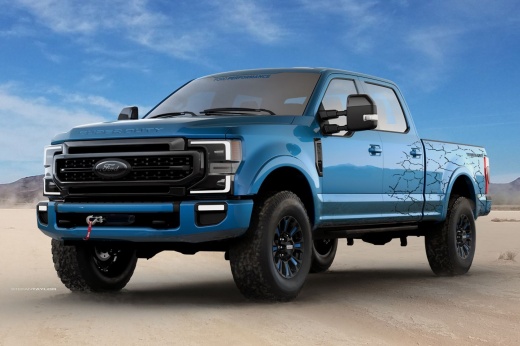
How do you reset the car stereo on the Ford F-250?
Model: Ford F-250
P558
- Years 2017-2022
In order to reset the car radio of the Ford F-250 you have to turn the key in the special block so that you can turn on the instrument panel and consequently also the car radio. When this has been turned on, it will be necessary to remove the side cover of the footrest compartment from the side of the front passenger: once the cover has been removed, you will have access to the fuses. The radio fuse will then have to be removed and reinserted after a few seconds, as shown in the tutorial: after this operation the radio will turn on again and will be reset to its initial settings.
Posted on 14 April 2022 by ScegliAuto
Video tutorial
Related tutorials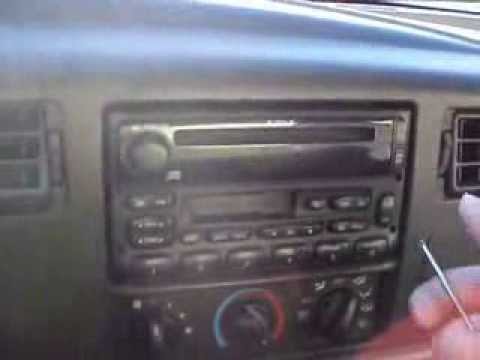
Ford F-250
(1999-2007 /
Phn131)
Let's see in this short and simple guide how to disassemble and replace the stock car radio of the Ford F-250, following the instructions below. Firs…
Ford F-250
(2011-2016 /
P473)
If you are having serious problems with the car stereo of your Ford F 350 it is advisable to reset it completely in order to solve any possible softw…
Ford F-250
(2011-2016 /
P473)
Let's see in this video the main instructions that will allow us to reset the Ford F-250 engine oil warning light, in simple and quick steps. First o…
Other guides you may be interested in
|
How to Replace the Window Regulator on the BMW X3
Replacing the window regulator mechanism requires removing the door panel and the aluminum underpanel to access the mechanism itself. Remove the motor and loosen the glass retaining clips to complete the removal of the window regulator. Attach the motor to the new mechanism and insert the assembled unit back into the door, securing it with the appropriate nuts. Then, insert the glass and tighten the clips, completing the installation by connecting the motor's power connector and performing a functionality check before reassembling all other components. by ScegliAuto More videos
|
|
For advertising on this site Write to info@scegliauto.com
ScegliAuto is not responsible for any inaccuracy of the data in the lists. To report any inaccuracy or your business (if you own the business in question), please write to info@scegliauto.com
Number of seconds to generate the page: 0.127
(c) ScegliAuto 2026 - info@scegliauto.com - Privacy policy VAT number: IT01247470535 |
