
|
Do it yourself
| |||
| ||||


Replacing Sync 1 with Sync 3 on the Ford F-250
Model: Ford F-250
P473
- Years 2011-2016
The following steps will show you how to remove and replace the Sync 1 multimedia system with the new Sync 3 multimedia system in the Ford F-250. First, get inside the vehicle and start by removing the plastic cover of the center console; then, remove the screws securing the radio located at the back, disconnecting the power connectors as shown in the video. At this point, install the new Sync 3 multimedia system, which is compatible with your vehicle; connect it and check its operation, finally reassembling the dashboard cover!
Updated on 31 August 2026 by ScegliAuto
Video tutorial
Related tutorials
Ford F-250
(2008-2010 /
P356)
Thanks to this very useful video guide today you will be able to see how to replace the car radio on a Ford F250, model produced from 2008 to 2010. L…

Ford F-250
(2017-2022 /
P558)
To replace the headlight bulb on a Ford F-250, open the hood to loosen the screws that secure the front grille. Once removed, unscrew the screws that…
Ford F-250
(2017-2022 /
P558)
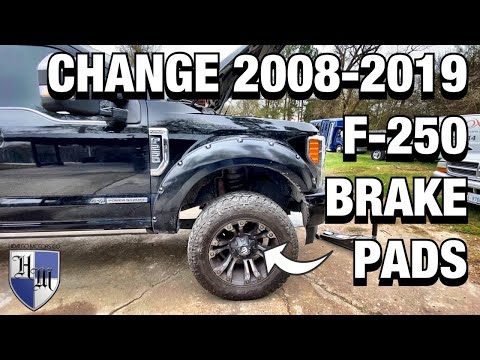
In today's tutorial video, you will see the instructions needed to remove and replace the front brake pads on a Ford F-250. First, lift the vehicle a…
Other guides you may be interested in
|
How to Open a Stuck Boot on the Peugeot 407?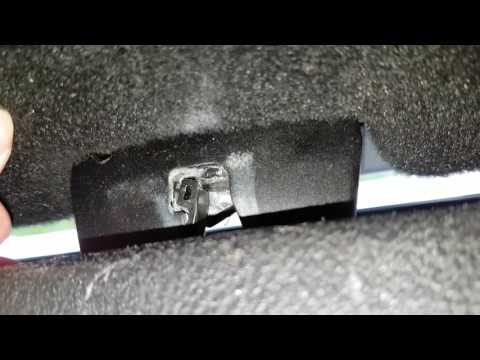
On the Peugeot 407, the boot may become stuck, possibly due to a problem with the control button or the lock actuator. In such cases, you can perform an emergency opening by following the simple procedure shown in this tutorial. First, open the rear doors, then lower the seat back by operating the release lever. Next, go inside the boot, locate the lock, and manually operate it using a flathead screwdriver. The boot will then be free to open. by ScegliAuto More videos
|
|
For advertising on this site Write to info@scegliauto.com
ScegliAuto is not responsible for any inaccuracy of the data in the lists. To report any inaccuracy or your business (if you own the business in question), please write to info@scegliauto.com
Number of seconds to generate the page: 0.399
(c) ScegliAuto 2026 - info@scegliauto.com - Privacy policy VAT number: IT01247470535 |
