
|
Do it yourself
| |||
| ||||


How to Set the Driver's Seat Memory in the Range Rover Sport
Model: Land Rover Range Rover
L322, MK 3
- Years 2002-2012
This SUV, with its truly generous dimensions, certainly represents the pinnacle of comfort and available features: among these is the electric adjustment of the driver's seat and steering wheel, which can be saved along with the settings for the exterior mirrors and rear seats once adjusted. You can save up to three settings, allowing you to set a more comfortable position, a sportier one, and perhaps one for another driver. After adjusting the seat, steering wheel, and exterior mirrors, press the M button to save the settings and hold down the number button where you want to save it. You can then press this button again to recall the setting.
Updated on 22 February 2026 by ScegliAuto
This video is currently unavailable
Related tutorials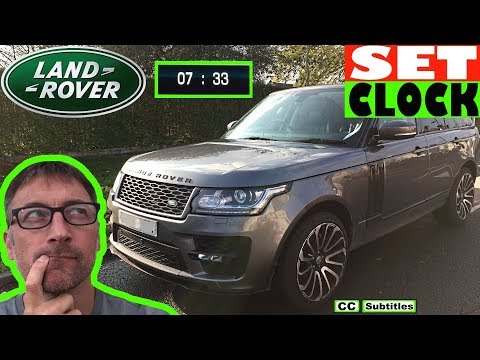
Land Rover Range Rover
(2012-2021 /
MK 2)
Before you begin, sit in the driver's seat of your Range Rover Sport. Start by activating the onboard computer by pressing the power button located o…
Land Rover Range Rover
(2012-2021 /
MK 2)
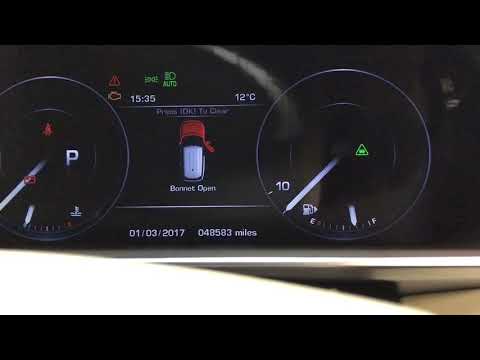
Resetting the service light is a task you need to perform before a maintenance service, just to eliminate the annoying light on the dashboard while w…

Land Rover Range Rover
(2012-2021 /
MK 2)
In this tutorial, you will see how to reset the service light on a Land Rover Range Rover Sport, a very simple and quick operation to perform only af…
Other guides you may be interested in
|
Fuses Location and Diagram for the Volkswagen Crafter
In this guide, we will look at the location of the fuse boxes and how to find their diagram for the Volkswagen Crafter. First, get inside the vehicle and start by removing the plastic cover found under the steering wheel, to access the internal fuse box; you will find another fuse box in the engine compartment by removing the plastic cover located next to the battery. At this point, use the owner's manual to find the fuse diagram, which will allow you to identify and replace any blown fuses with new ones! by ScegliAuto More videos
|
|
For advertising on this site Write to info@scegliauto.com
ScegliAuto is not responsible for any inaccuracy of the data in the lists. To report any inaccuracy or your business (if you own the business in question), please write to info@scegliauto.com
Number of seconds to generate the page: 0.155
(c) ScegliAuto 2026 - info@scegliauto.com - Privacy policy VAT number: IT01247470535 |
