
|
Do it yourself
| |||
| ||||


Replacing Front Brake Pads and Rotors
Model: Mercedes Classe A
W168
- Years:
1997, 1998, 1999, 2000, 2001, 2002, 2003, 2004
Video tutorial
Lift the vehicle on appropriate jack stands and remove the front wheel; proceed to remove the mounting pins of the brake caliper from the support and then the support itself. Next, unscrew the rotor mounting bolt from the hub and remove it from its seat; install the new rotor (after cleaning it with solvent to remove protective oil) by tightening the mounting bolt properly and reposition the caliper support; then insert the new brake pads, retract the caliper piston, and reposition the caliper onto the support. Pay attention during the initial braking.
Updated on 10 February 2026 by ScegliAuto
Related tutorials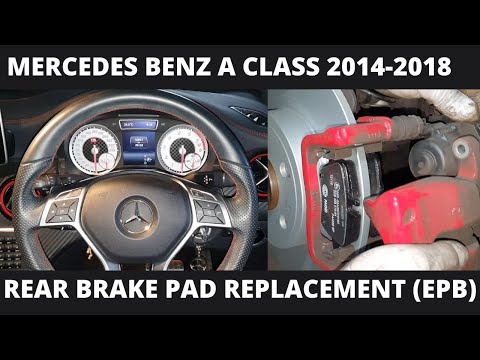
Mercedes Classe A
(2012-2018 /
W176)
This guide shows how to replace the rear brake pads and discs on a Mercedes Benz A-Class A250 W176. The first step is to secure the vehicle and relea…

Mercedes Classe A
(2012-2018 /
W176)
To replace the front brake pads of the Mercedes Classe A, you will need to lift the car using a jack or a lift to ensure that the corresponding wheel…
Mercedes Classe A
(2012-2018 /
W176)
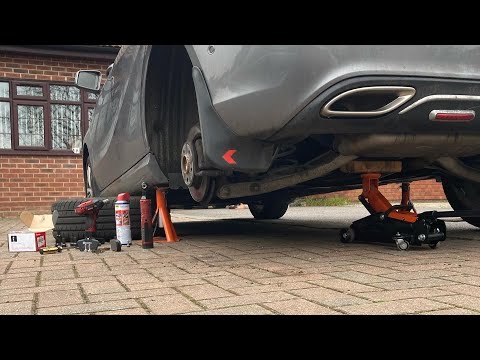
To replace the rear brake pads on a Mercedes A-Class, lift the vehicle using a jack so that the corresponding wheel is off the ground. Once the vehic…
Other guides you may be interested in
|
How to Remove the Rear Seat of a Hyundai Tucson?
To remove the rear seat of a Hyundai Tucson, follow these steps. Start by moving the front seats to their most forward position to gain space. Next, locate the release lever on the underside of the rear seat, near the floor. Press this lever down while pulling the seat upwards to unlock it from the anchor pins. Once unlocked, tilt the seat upwards and forwards to remove it from its position. Repeat this process for both sides of the rear seat. Be careful of any electrical cables or components that may be connected to the seat during removal. Once the rear seat is removed, the disassembly is complete. by ScegliAuto More videos
|
|
For advertising on this site Write to info@scegliauto.com
ScegliAuto is not responsible for any inaccuracy of the data in the lists. To report any inaccuracy or your business (if you own the business in question), please write to info@scegliauto.com
Number of seconds to generate the page: 0.073
(c) ScegliAuto 2026 - info@scegliauto.com - Privacy policy VAT number: IT01247470535 |
