
|
Do it yourself
| |||
| ||||


How to reset the oil service in the Opel Astra?
Model: Vauxhall Astra
Astra J
- Years 2009-2016
As shown in this tutorial, resetting the oil service in the Opel Astra is a very simple and quick operation. Before doing this, ensure you have completed all required scheduled maintenance tasks. Start by inserting the key and turning on the ignition, then access the general menu using the button on the left stalk. Scroll through the various screens using the dial, reach the remaining engine oil life, and press the "SET/CLR" button. Confirm the reset, restart the vehicle, and check that the operation was successful.
Updated on 21 June 2026 by ScegliAuto
Video tutorial
Related tutorials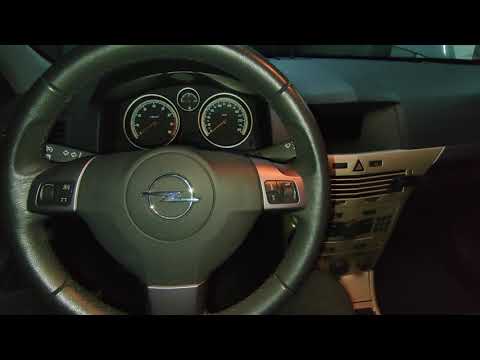
Vauxhall Astra
(2004-2010 /
Astra H)
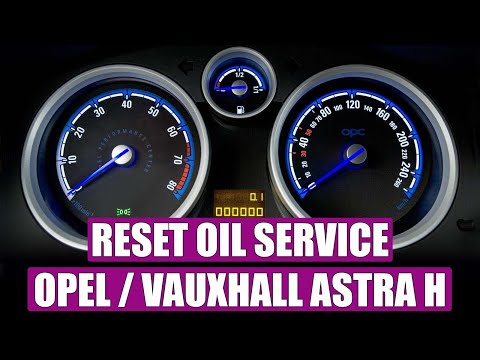
In this tutorial, you will see how to reset the oil service on the Opel Astra H, a very simple and quick operation. Before doing this, ensure that yo…
Vauxhall Astra
(2009-2016 /
Astra J)
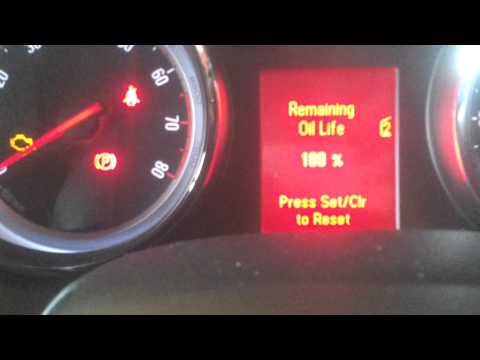
As you can see in this tutorial, resetting the oil service on an Opel Astra is an extremely simple and quick operation. Before doing this, ensure tha…
Vauxhall Astra
(2004-2010 /
Astra H)
In this video, learn how to reset the oil service indicator on an Opel Astra. This operation is very simple. Enter the cabin, turn on the instrument …
Other guides you may be interested in
|
How to Open the Bonnet of a Renault Megane if the Lever is Broken?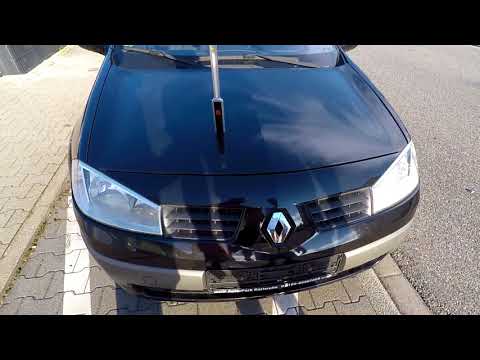
If the lever that unlocks the bonnet of the Renault Megane is broken or not functioning, there is an emergency procedure to unlock the mechanism: remove the right front grille located at the top of the bumper. Once the grille is removed, you can locate the actuator mechanism: by pulling the spring in this position, you can unlock the actuator, allowing you to lift the bonnet and access the components located inside the engine compartment. You can then close the bonnet simply by lowering it. by ScegliAuto More videos
|

|
For advertising on this site Write to info@scegliauto.com
ScegliAuto is not responsible for any inaccuracy of the data in the lists. To report any inaccuracy or your business (if you own the business in question), please write to info@scegliauto.com
Number of seconds to generate the page: 0.796
(c) ScegliAuto 2026 - info@scegliauto.com - Privacy policy VAT number: IT01247470535 |
