
|
Do it yourself
| |||
| ||||


How does lane change assistance work on the Peugeot 2008?
Model: Peugeot 2008
MK 2
- Years 2019-2026
In this video, we see how the lane keeping system works on a Peugeot 2008: we press the button with the car icon on the central console (under the screen), then navigate to the "lane keeping assist" section; we click the option to activate or deactivate the system: when it is active, a green icon appears on the screen confirming the status. If the car crosses a white line (on the side) without using the turn signal, the system emits a beep and the steering wheel vibrates; it also applies a slight correction to the steering to bring the vehicle back in the lane. This assistance is designed to intervene above 60 km/h, and works when the road lines are clearly visible; in rainy, snowy, or rough road conditions, the effectiveness may be reduced.
Posted on 7 September 2025 by ScegliAuto
Video tutorial
Related tutorials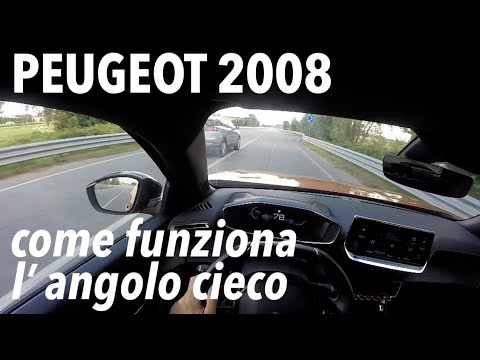
Peugeot 2008
(2019-2026 /
MK 2)
In this video, we see how the blind spot indicator works in the external rear-view mirror of the Peugeot 2008: when the vehicle is started, the orang…

Peugeot 2008
(2013-2019 /
MK 1)
If the radio in your Peugeot 2008 has suddenly stopped working, the first thing to do is check the status of the corresponding fuse, which is indicat…
Peugeot 2008
(2019-2026 /
MK 2)
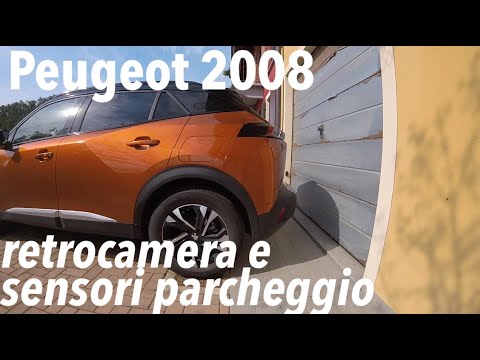
In this video we can see how the rear camera on the Peugeot 2008 works: with the reverse light on, we see the blue side lines that indicate the vehic…
Other guides you may be interested in
|
Frequently Asked QuestionsHow to Open a Stuck Boot on the Peugeot 407?
On the Peugeot 407, the boot may become stuck, possibly due to a problem with the control button or the lock actuator. In such cases, you can perform an emergency opening by following the simple procedure shown in this tutorial. First, open the rear doors, then lower the seat back by operating the release lever. Next, go inside the boot, locate the lock, and manually operate it using a flathead screwdriver. The boot will then be free to open. by ScegliAuto More videos
|

|
For advertising on this site Write to info@scegliauto.com
ScegliAuto is not responsible for any inaccuracy of the data in the lists. To report any inaccuracy or your business (if you own the business in question), please write to info@scegliauto.com
Number of seconds to generate the page: 0.093
(c) ScegliAuto 2026 - info@scegliauto.com - Privacy policy VAT number: IT01247470535 |
