
|
Do it yourself
| |||
| ||||


How to Reset the Service Light on the 2018 Renault Captur?
Model: Renault Captur
MK 1
- Years 2013-2019
The service reminder on the 2018 Renault Captur is indicated by the well-known spanner-shaped light, accompanied by a text message, both visible on the onboard computer. Clearing this alert does not require any diagnostic electronic equipment; simply press one button. After turning on the instrument cluster, scroll through the menu items using the right steering wheel controls, select the one related to the engine oil change, and hold down the up arrow button until that item starts to flash and then turns off a few seconds later.
Posted on 15 August 2026 by ScegliAuto
Video tutorial
Related tutorials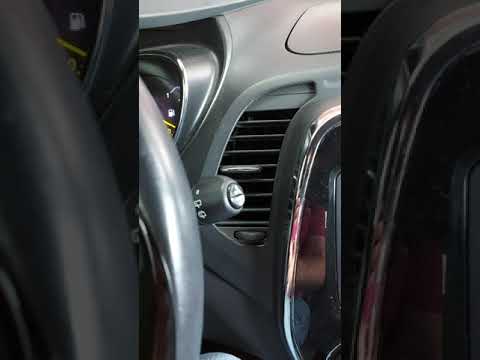
Renault Captur
(2013-2019 /
MK 1)
To reset the Service light on a Renault Captur, turn on the instrument panel to navigate through the menu: press the button located at the bottom of …

Renault Captur
(2013-2019 /
MK 1)
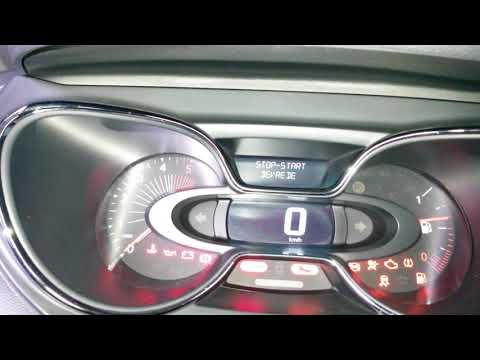
From the display of the Renault Captur, you can completely clear the Service light by turning on the instrument panel to access the menu. To do this,…
Renault Captur
(2013-2019 /
MK 1)
In the Renault Captur, to reset the Service light, first turn on the instrument cluster to navigate the menu. Press the button located at the bottom …
Other guides you may be interested in
|
How to Check the Oil Level on a Jeep Renegade?
To check the oil level on a Jeep Renegade, you need to open the bonnet to access the components inside the engine bay: on the lower left side of the engine block, you will find the dipstick for checking the level. This should be pulled out and thoroughly cleaned with a cloth: once cleaned, reinsert it back into its tube and pull it out immediately after. This way, you can check that the oil mark is between the minimum and maximum levels; finally, you can place the dipstick back in its tube. by ScegliAuto More videos
|

|
For advertising on this site Write to info@scegliauto.com
ScegliAuto is not responsible for any inaccuracy of the data in the lists. To report any inaccuracy or your business (if you own the business in question), please write to info@scegliauto.com
Number of seconds to generate the page: 0.173
(c) ScegliAuto 2026 - info@scegliauto.com - Privacy policy VAT number: IT01247470535 |
