
|
Do it yourself
| |||
| ||||


How to Reset the Maintenance Light on a Renault Clio
Model: Renault Clio
MK 3, Clio 3, Clio III
- Years 2005-2013
What to do if the maintenance light appears on your Renault Clio? Let's see how to reset the light. Turn on the instrument cluster with the dedicated remote key, and press the buttons located above the control levers next to the steering wheel. Find the menu with the maintenance message (right lever). After locating the maintenance message, press the control lever buttons (confirm the reset service selection and choose the new service message). Check the outcome of the service maintenance to see if it was successful. Use the control levers to scroll through the settings menu.
Updated on 19 March 2026 by ScegliAuto
Video tutorial
Related tutorials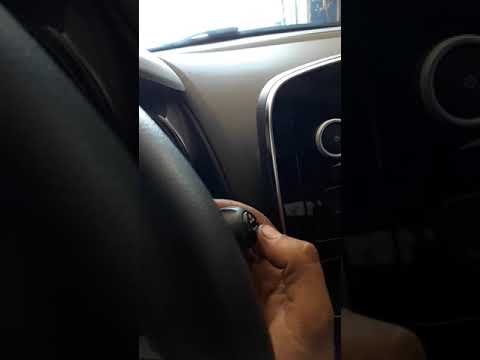
Renault Clio
(2012-2019 /
Clio IV, MK 4, Clio 4)
Before you can begin, sit in the driver's seat of your Renault Clio. Start by highlighting the phrase "Maintenance Range" on the multifunction displa…

Renault Clio
(2012-2019 /
Clio IV, MK 4, Clio 4)
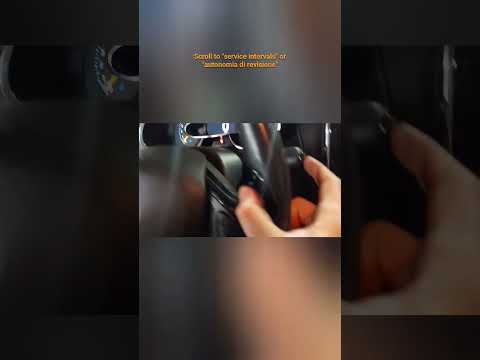
In this tutorial, see how to reset the maintenance light on the Renault Clio, a very simple and quick operation. Of course, this procedure should onl…
Renault Clio
(2012-2019 /
Clio IV, MK 4, Clio 4)
If you own a Renault Clio Mk4 (2012-2019) and want to know how to manually reset the maintenance light, simply follow this guide. First, insert the k…
Other guides you may be interested in
|
Frequently Asked QuestionsHow to Replace the Battery on a Honda Vision 110
To replace the battery on a Honda Vision 110, you need to remove the front fairing of the motorcycle, located directly under the front headlamp. To loosen this panel, unscrew the two screws found at its top, just below the handlebar. Once these screws are loosened, lever under the panel to detach it, gaining access to the battery underneath: this battery must be removed from its housing by unscrewing the fixing screws and disconnecting the power cables, replacing it with a new one. by ScegliAuto More videos
|

|
For advertising on this site Write to info@scegliauto.com
ScegliAuto is not responsible for any inaccuracy of the data in the lists. To report any inaccuracy or your business (if you own the business in question), please write to info@scegliauto.com
Number of seconds to generate the page: 0.647
(c) ScegliAuto 2026 - info@scegliauto.com - Privacy policy VAT number: IT01247470535 |
