
|
Do it yourself
| |||
| ||||


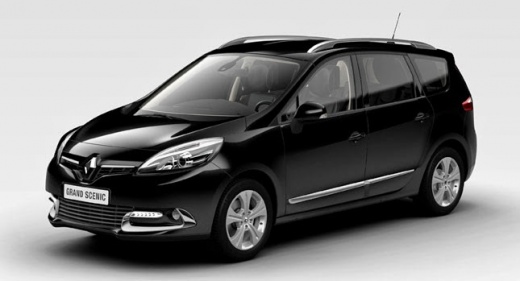
How to Reset the Service Light on the Renault Scenic
Model: Renault Scenic
MK III, Scenic III, Scenic 3, MK 3
- Years:
2009, 2010, 2011, 2012, 2013, 2014, 2015
Video tutorial
Each time you change the engine oil and oil filter, you must reset the service indicator that lights up on the dashboard. To do this, follow the instructions in the video and this description. First, access the driver's seat, insert the key into the ignition, and turn on the dashboard. At the end of the right-hand control lever, there are two buttons, an up arrow and a down arrow. Use one of the buttons to scroll through the functions of the onboard computer menu until you reach and highlight the "service interval" option. Press and hold the down arrow for at least 10 seconds until the service indicator on the display starts to flash and then is cleared.
Updated on 3 July 2026 by ScegliAuto
Related tutorials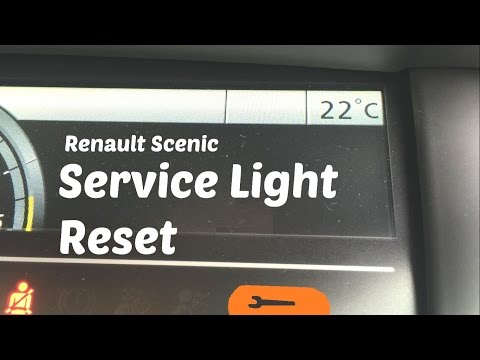
Renault Scenic
(2009-2015 /
MK III, Scenic III, Scenic 3, MK 3)
In this video tutorial, you will see the steps to reset the service light for routine maintenance on a Renault Scenic. First, get inside the car and …
Renault Scenic
(2009-2015 /
MK III, Scenic III, Scenic 3, MK 3)
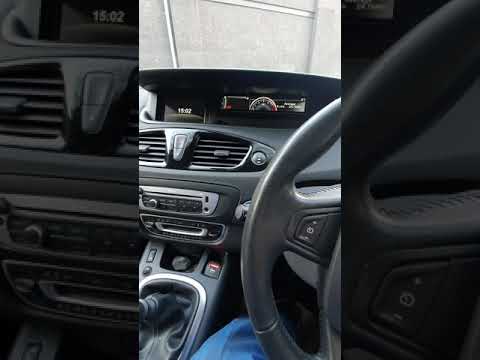
In this short and simple guide, we will see the procedure to reset the service light on a Renault Scenic and Grand Scenic. First, get inside the vehi…
Renault Scenic
(2009-2015 /
MK III, Scenic III, Scenic 3, MK 3)
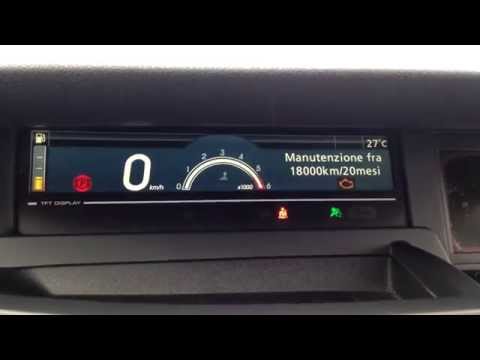
Before you can start, ensure that the service has been performed, then sit in the driver's seat of your Renault Scenic. Begin by activating the instr…
Other guides you may be interested in
|
How to reset the tyre pressure warning light on the Kia Niro EV?
To reset the tyre pressure warning light on the Kia Niro EV, inflate the tyres until they reach the correct pressure value. This value is indicated on the sticker attached to the driver's door pillar. Once the tyres are inflated, turn on the instrument cluster to check that the warning light has completely disappeared from the display. If it is still present, you may need to drive for a few miles to ensure it disappears completely from the screen. by ScegliAuto More videos
|
|
For advertising on this site Write to info@scegliauto.com
ScegliAuto is not responsible for any inaccuracy of the data in the lists. To report any inaccuracy or your business (if you own the business in question), please write to info@scegliauto.com
Number of seconds to generate the page: 0.189
(c) ScegliAuto 2026 - info@scegliauto.com - Privacy policy VAT number: IT01247470535 |
