
|
Do it yourself
| |||
| ||||


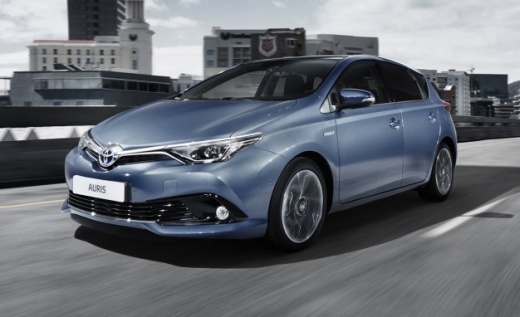
Installing Antenna on Toyota Auris
Model: Toyota Auris
E180
- Years 2012-2018
In this video tutorial, you will learn how to install the signal reception antenna on a Toyota Auris. To install it, first insert the antenna into the base; then secure it to the bodywork by tightening the fixing nut under the roof of the car (after removing the headlining). Next, connect the electrical connector to the cable shown and previously disconnected: once done, simply reassemble the headlining and all other components removed earlier, checking the antenna's functionality!
Updated on 21 April 2026 by ScegliAuto
Video tutorial
Related tutorials
Toyota Auris
(2007-2012 /
E150)
In this tutorial, you will see how to replace the antenna in the Toyota Auris, a very simple and quick operation. First, open the boot lid, then deta…

Toyota Auris
(2007-2012 /
E150)
How to fit the seat cover of a Toyota Auris? Here’s how to fit the covers on the front seats. Move the seat forward and raise the seat base, then rem…
Toyota Auris
(2007-2012 /
E150)
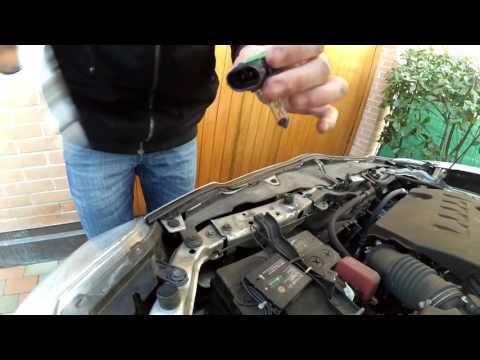
Learn how to replace the bulbs located in the front headlamp of a Toyota Auris. Open the bonnet by pulling the lever located at the bottom right of t…
Other guides you may be interested in
|
How to Reset the Tyre Pressure Light on the Opel Grandland X
While driving, if you notice the tyre pressure warning light coming on, first check the actual inflation pressure of the tyres and, if necessary, restore the pressures recommended by the manufacturer. After restoring the correct pressures, you need to reset the warning light that has illuminated on the instrument cluster. To do this, locate the reset button on the lower central console. Press this button and hold it down for at least 3 seconds, after which the low pressure indication will turn off. by ScegliAuto More videos
|
|
For advertising on this site Write to info@scegliauto.com
ScegliAuto is not responsible for any inaccuracy of the data in the lists. To report any inaccuracy or your business (if you own the business in question), please write to info@scegliauto.com
Number of seconds to generate the page: 0.290
(c) ScegliAuto 2026 - info@scegliauto.com - Privacy policy VAT number: IT01247470535 |
