
|
Do it yourself
| |||
| ||||


How to Reset the Service Light on Aprilia Scarabeo
Model: (Various brands) Various
If you have replaced the engine oil and filter on this model of motorcycle, you must then reset the service indicator light that has illuminated on the instrument cluster. Below are the simple instructions and necessary steps to update and reset the light. First, press and hold the button located on the left side of the handlebars, then turn on the ignition while simultaneously pressing the button located on the lower right side of the dashboard under the speedometer. Wait for approximately 20 seconds, after which the service light will turn off.
Updated on 31 July 2026 by ScegliAuto
Video tutorial
Related tutorials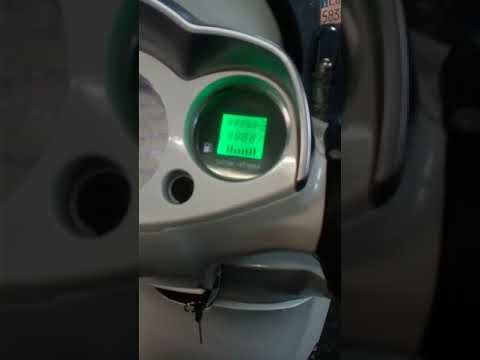
(Various brands) Various
To reset the service on the Scarabeo 300, start by turning on the instrument panel, noting that the service light (spanner) is on, then proceed with …

(Various brands) Various
In this new guide dedicated to all of you who own a 2020 Audi SQ8, we will discover how to manually reset the engine oil light that continues to appe…
(Various brands) Various
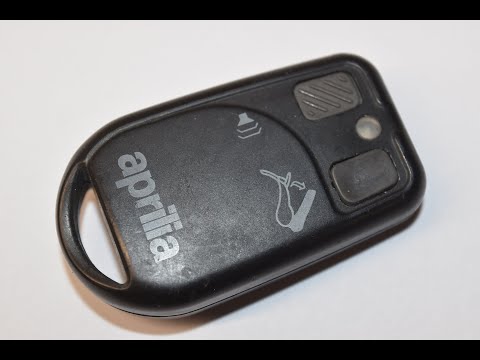
In this tutorial, you will see how to replace the battery in the remote control of an Aprilia scooter, a very simple and quick operation. You will ne…
Other guides you may be interested in
|
Frequently Asked QuestionsHow to Open the Bonnet of a Renault Megane if the Lever is Broken?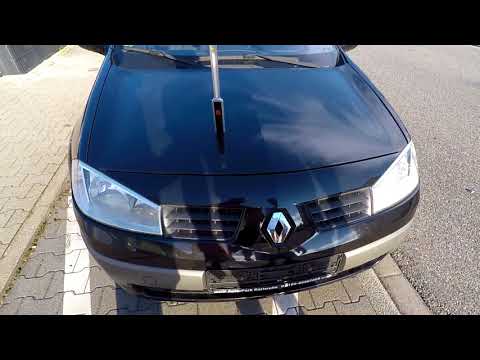
If the lever that unlocks the bonnet of the Renault Megane is broken or not functioning, there is an emergency procedure to unlock the mechanism: remove the right front grille located at the top of the bumper. Once the grille is removed, you can locate the actuator mechanism: by pulling the spring in this position, you can unlock the actuator, allowing you to lift the bonnet and access the components located inside the engine compartment. You can then close the bonnet simply by lowering it. by ScegliAuto More videos
|
|
For advertising on this site Write to info@scegliauto.com
ScegliAuto is not responsible for any inaccuracy of the data in the lists. To report any inaccuracy or your business (if you own the business in question), please write to info@scegliauto.com
Number of seconds to generate the page: 0.288
(c) ScegliAuto 2026 - info@scegliauto.com - Privacy policy VAT number: IT01247470535 |
