
|
Do it yourself
| |||
| ||||


How to change the battery of the Volkswagen Polo MK4
Model: Volkswagen Polo
MK IV, Polo IV, Polo 4, MK 4, 9N
- Years 2001-2009
In this video we can see how to change the battery of the Volkswagen Polo IV: we open the hood, and we see the battery on the right side of the engine. We always start by disconnecting the negative terminal first, which is the black one; then the positive one. Using a 13mm key with an extension, we unscrew the battery support plate, then with a flathead screwdriver, we lever the fixing tab, then detach the entire unit from the box and lift it. We remove the battery. We scrape the terminals with sandpaper to remove the oxide layer. We grease the terminals of the new battery with copper grease and install it in its place. We reconnect the positive terminal, then the negative one and secure it with the support plate and the fixing cage. Operation completed.
Posted on 23 July 2025 by ScegliAuto
Video tutorial
Related tutorials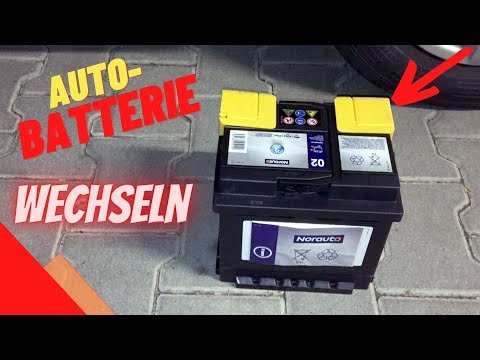
Volkswagen Polo
(2001-2009 /
MK IV, Polo IV, Polo 4, MK 4, 9N)
In this video, you will see how to change the battery in a Volkswagen Polo 9N and what symptoms indicate that the battery needs replacing: if the ins…

Volkswagen Polo
(2001-2009 /
MK IV, Polo IV, Polo 4, MK 4, 9N)
The steps to replace the battery of the Volkswagen Polo model mk4 are: -open the hood; -unscrew the screw on the bracket; -remove the plastic cover; …
Volkswagen Polo
(2001-2009 /
MK IV, Polo IV, Polo 4, MK 4, 9N)
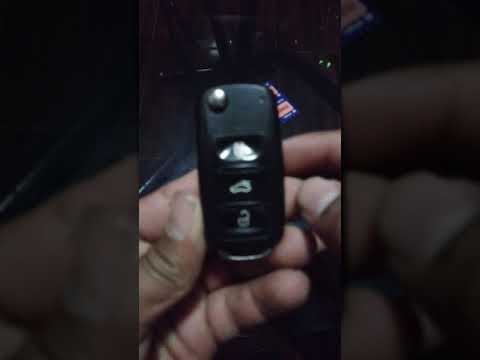
Here’s how to change the key battery of a Volkswagen Polo: simply lift the flip key and work on the outer edge of the lower part of the remote, on th…
Other guides you may be interested in
|
Frequently Asked QuestionsHow to open the fuel tank door in the Hyundai I20?
In this tutorial we can see how to open the fuel tank door in the Hyundai I20, a very simple operation similar to the typical procedure of many vehicles. First of all, let's go inside the cabin, it is not necessary to insert the key or unlock all the locks, then we locate and operate the lever located in the lower left area of the cabin, right next to the driver's seat. Once we have done this, we exit the vehicle, open the door completely and unscrew the fuel tank cap. To close the door, simply press it gently until you hear a click. by ScegliAuto More videos
|
|
For advertising on this site Write to info@scegliauto.com
ScegliAuto is not responsible for any inaccuracy of the data in the lists. To report any inaccuracy or your business (if you own the business in question), please write to info@scegliauto.com
Number of seconds to generate the page: 0.182
(c) ScegliAuto 2026 - info@scegliauto.com - Privacy policy VAT number: IT01247470535 |
