
|
Do it yourself
| |||
| ||||


How to Replace the Timing Belt on a Volkswagen Polo?
Model: Volkswagen Polo
Polo 5, Polo V, MK 5, MK V, 6R
- Years 2009-2017
Hello, today you will replace the timing belt on your Volkswagen Polo. Start by positioning the car on a flat surface and ensure the engine is cold. Next, carefully remove the engine cover. Then, disassemble the entire air filter assembly, followed by removing the cover that protects the timing belt. At this point, loosen the tensioner pulley, then slide off and remove the belt itself, completing the disassembly. To fit the new timing belt on your Volkswagen Polo, simply follow this guide in reverse, and you will have completed the replacement.
Updated on 16 September 2026 by ScegliAuto
Video tutorial
Related tutorials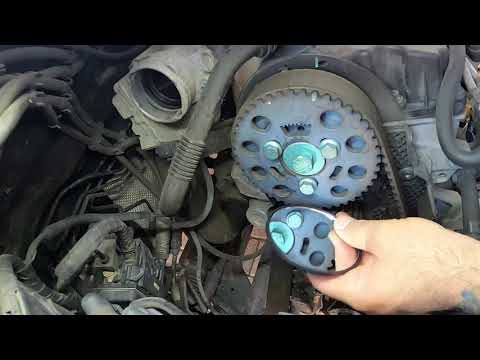
Volkswagen Polo
(2001-2009 /
MK IV, Polo IV, Polo 4, MK 4, 9N)
In this brief and simple guide, follow the steps to remove and replace the timing belt on a Volkswagen Polo 1.4 TDI. Generally, the timing belt on th…
Volkswagen Polo
(2001-2009 /
MK IV, Polo IV, Polo 4, MK 4, 9N)
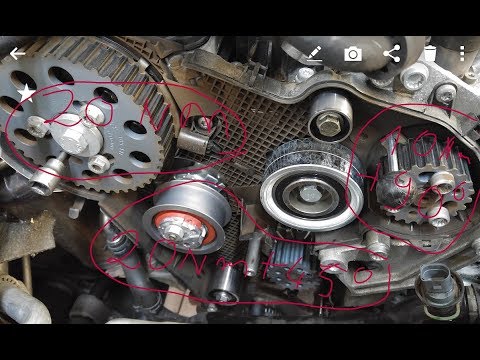
This guide provides the necessary instructions on how and when to replace the timing belt on a Volkswagen Polo 1.2 3-cylinder engine. For this type o…
Volkswagen Polo
(2001-2009 /
MK IV, Polo IV, Polo 4, MK 4, 9N)
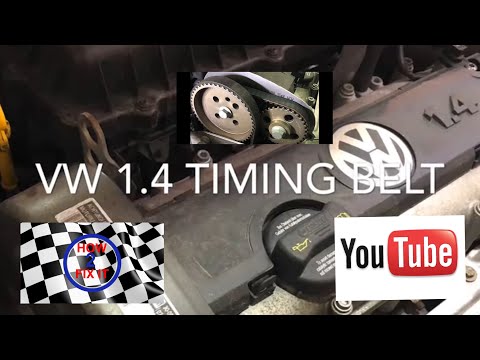
This guide outlines the main steps to remove and replace the timing belt on a Volkswagen Polo with a 1.4 petrol engine. First, lift the vehicle and r…
Other guides you may be interested in
|
How to reset the tyre pressure warning light on the Dacia Sandero?
To reset the tyre pressure warning light on the Dacia Sandero, inflate all the tyres to the pressure indicated on the label on the driver's door. Once the tyres are inflated, turn on the ignition and navigate through the menu using the controls on the right side of the steering wheel. Scroll with the arrows to find the tyre pressure option: by holding down the OK button located on the right side of the steering wheel, you can reset the warning light. by ScegliAuto More videos
|
|
For advertising on this site Write to info@scegliauto.com
ScegliAuto is not responsible for any inaccuracy of the data in the lists. To report any inaccuracy or your business (if you own the business in question), please write to info@scegliauto.com
Number of seconds to generate the page: 0.322
(c) ScegliAuto 2026 - info@scegliauto.com - Privacy policy VAT number: IT01247470535 |
