
|
Do it yourself
| |||
| ||||


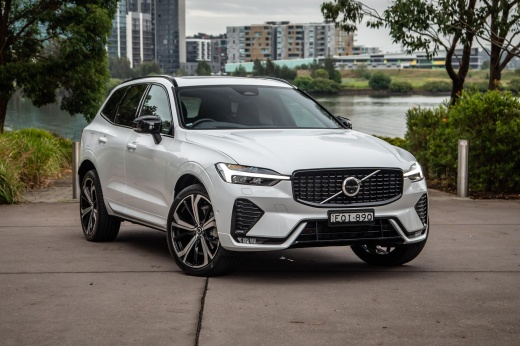
How to Reset the Service Light on a Volvo XC60
Model: Volvo Xc60
MK 2
- Years:
2017, 2018, 2019, 2020, 2021, 2022, 2023, 2024, 2025, 2026
Video tutorial
Resetting the service light on a Volvo XC60 involves a few simple steps that you can do yourself, but first, you need to perform the maintenance service. The maintenance service includes tasks such as replacing the oil filter and air filter, topping off fluids, and checking the engine, timing belt, and brakes. Once completed, you can reset the light by following these steps: - Turn on the ignition; - Press and hold the Menu button on the steering wheel; - Wait for the maintenance reset message and release the button; To finish, turn off and then turn on the ignition again. If the light does not reset, try using a diagnostic tool.
Updated on 4 November 2026 by ScegliAuto
Related tutorials
Volvo Xc60
(2008-2016 /
MK 1)
Hello, today's guide aims to reset the "Service" light on your Volvo XC60. Before starting, ensure you have performed the recommended maintenance. Be…

Volvo Xc60
(2017-2026 /
MK 2)
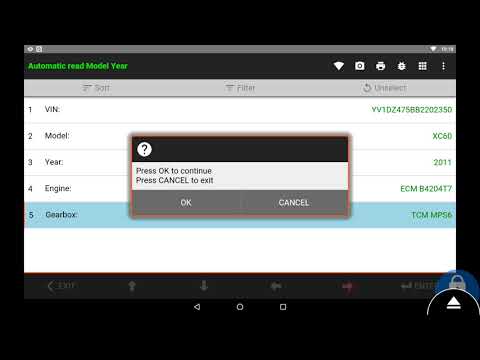
Reset the Service light on a Volvo XC60 by connecting a diagnostic tool to the vehicle's OBD port, located just below the steering column. Once the s…
Volvo Xc60
(2008-2016 /
MK 1)
To reset the Service light on a Volvo XC60, turn on the ignition and then connect a diagnostic tool to the vehicle's OBD port. This port is located o…
Other guides you may be interested in
|
How to Reset the Tyre Pressure Light on a Cupra Formentor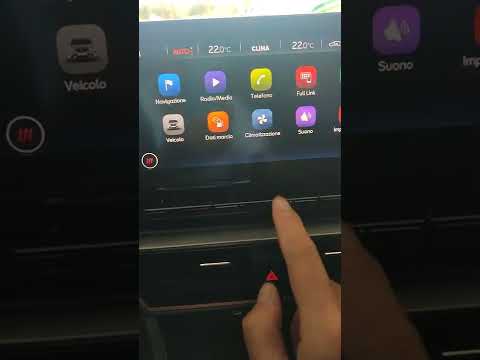
In this brief and simple video tutorial, learn how to reset the tyre pressure on a Cupra Formentor. Start by pressing the ignition button to turn on the instrument cluster. Now, use the touchscreen display on the central console to open the car menu. From here, select the driving data option, then the tyre pressure option. Now, click on the "SET" button with the pressure warning symbol and confirm the correct tyre pressure required by the manufacturer to perform the reset. by ScegliAuto More videos
|
|
For advertising on this site Write to info@scegliauto.com
ScegliAuto is not responsible for any inaccuracy of the data in the lists. To report any inaccuracy or your business (if you own the business in question), please write to info@scegliauto.com
Number of seconds to generate the page: 0.092
(c) ScegliAuto 2026 - info@scegliauto.com - Privacy policy VAT number: IT01247470535 |
