
|
Do it yourself
| |||
| ||||


Disassembly thermostat Volkswagen Golf, Audi A4, 2.0 TDI
Model: Audi A4
B7
- Years 2004-2008
In this video tutorial we will see the main steps to be able to remove the thermostat on Audi and Volkswagen 2.0 TDI engines. Before carrying out the operation it is necessary to remove the liquid inside the circuit, disconnecting the sleeve and letting it drain. Then we open the bonnet and with the keys we go to remove the bolts of the thermostat tube, then removing the thermostat that we find inside. At this point we are going to clean the area by removing the old gasket and reassemble the new thermostat, followed by the sleeve; finally screw the fixing bolts and that's it!
Posted on 14 November 2020 by ScegliAuto
Video tutorial
Related tutorials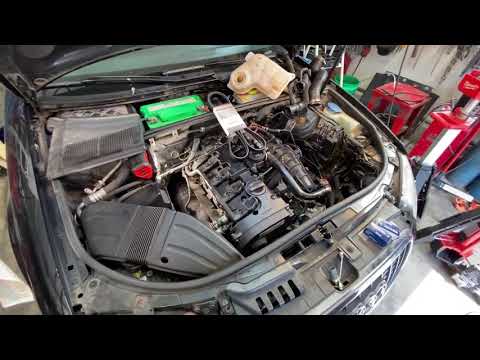
Audi A4
(2004-2008 /
B7)
Before starting, we will have to open the front hood of our Audi A4. So let's start by disengaging and removing the upper engine cover, then disassem…
Audi A4
(2004-2008 /
B7)
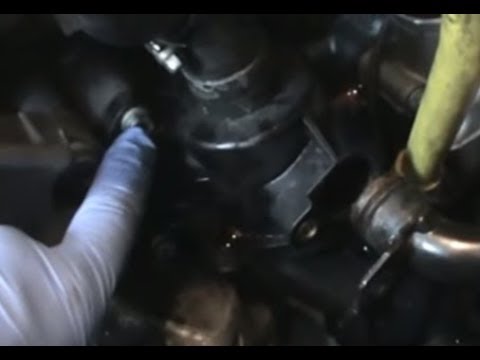
Do you want to remove the thermostat from your car and don't know how to proceed? Let's see in the following video how to remove the thermostat from …
Audi A4
(2007-2016 /
B8)
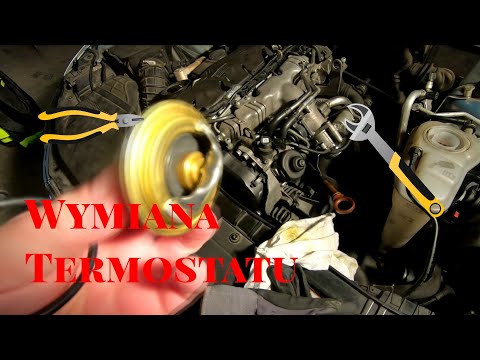
Before we can start, we will have to go and open the front hood of our Audi A4. So let's start by removing the top engine cover, simply disengaging i…
Other guides you may be interested in
|
How to Remove the Third Brake Light from a Renault Clio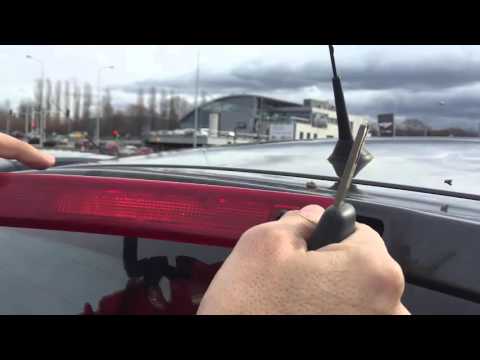
In this video, we will see how to remove the third brake light from a Renault Clio. First, open the boot lid and remove the plastic rivets with a screwdriver, then close the boot. Extract the third brake light from the metal of the boot lid using your hands. Once the piece is removed from its housing, disconnect the power connector and attach the new third brake light. After fitting the bulbs, insert the piece back into the boot lid and secure it with the plastic rivets. Finally, check the correct operation of the lights after turning on the instrument panel. by ScegliAuto More videos
|

|
For advertising on this site Write to info@scegliauto.com
ScegliAuto is not responsible for any inaccuracy of the data in the lists. To report any inaccuracy or your business (if you own the business in question), please write to info@scegliauto.com
Number of seconds to generate the page: 0.102
(c) ScegliAuto 2026 - info@scegliauto.com - Privacy policy VAT number: IT01247470535 |
