
|
Do it yourself
| |||
| ||||



Installation of iPod or iPhone Adapter Accessory Kit
Model: BMW X3
E83, MK 1
- Years:
2003, 2004, 2005, 2006, 2007, 2008, 2009, 2010
Video tutorial
Using a plastic tool to avoid damaging the body, pry at the base of the tunnel around the rear ashtray to release the plastic clips and remove it to access the retaining screws of the tunnel. Remove the glove compartment from the tunnel and take out the screws at the bottom to lift the entire tunnel to retrieve the various electrical wiring provided by the manufacturer for these accessories. Remove the cover on the connectors just freed. Prepare the two cables included in the iPod kit and insert them into the original connectors just retrieved, and connect the other end to the kit's control unit. Connect the iPhone to the control unit and check for proper operation. Reinstall the cover, securing the cables in the tunnel while leaving the phone connector accessible. The second box should be secured under the dashboard with the provided screws, routing the cables through the passenger side tunnel.
Updated on 3 February 2026 by ScegliAuto
Related tutorials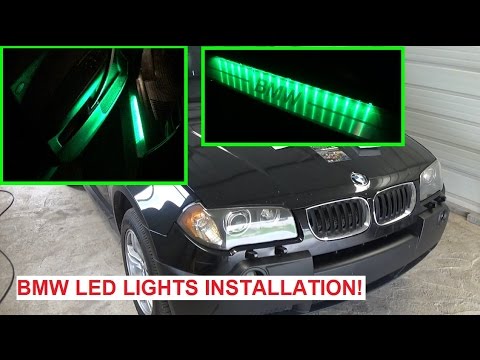
BMW X3
(2003-2010 /
E83, MK 1)
Installing the LED strip at the threshold will give the vehicle a unique tuning style: it mainly involves sticking the strip and then making the elec…

BMW X3
(2017-2024 /
MK 3, G01)
In this tutorial, we can see how to replace the rear wiper on the BMW X3, a very simple and quick operation. To do this, we will need a small flathea…
BMW X3
(2003-2010 /
E83, MK 1)
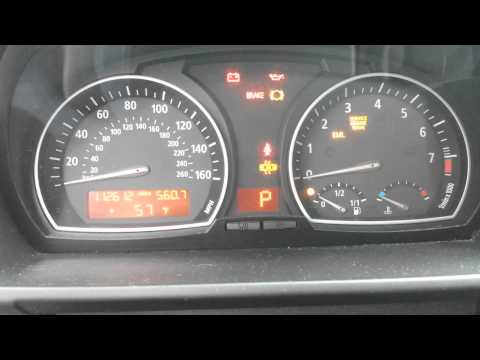
To reset the brake pad wear warning light on a BMW X3, first replace the worn brake pads. Once replaced, enter the cabin and turn on the ignition: th…
Other guides you may be interested in
|
How to Reset the Tyre Pressure Warning Light on the Jeep Renegade?
To reset the tyre pressure warning light on the Jeep Renegade, inflate the tyres until they reach the recommended pressure: this value is indicated on the sticker attached to the driver’s door pillar. Once the tyres are properly inflated, navigate through the menu that appears on the instrument cluster until you find the tyre pressure option. At this point, press and hold the OK button on the right side of the steering wheel to make the warning light disappear. by ScegliAuto More videos
|
|
For advertising on this site Write to info@scegliauto.com
ScegliAuto is not responsible for any inaccuracy of the data in the lists. To report any inaccuracy or your business (if you own the business in question), please write to info@scegliauto.com
Number of seconds to generate the page: 0.069
(c) ScegliAuto 2026 - info@scegliauto.com - Privacy policy VAT number: IT01247470535 |
