
|
Do it yourself
| |||
| ||||


Replacing the Battery in a Ford CMAX
Model: Ford C Max
MK 2
- Years 2010-2019
Caution: Before replacing the vehicle's battery, ensure it is of the correct voltage and amperage. Also, confirm that the dimensions match those of the battery compartment. A more powerful battery may not physically fit in the housing. Steps: 1-Open the front bonnet, remove the engine cover and battery. Remove the air filter cover. 2-Remove the air filter support and the flexible hose on the left. 3-Remove the bolts marked A, B, C, D, E in order. 4-Also remove the tray marked F. 5-Disconnect the battery terminals and extract it. Install the new battery by reversing the steps illustrated here.
Updated on 20 March 2026 by ScegliAuto
Video tutorial
Related tutorials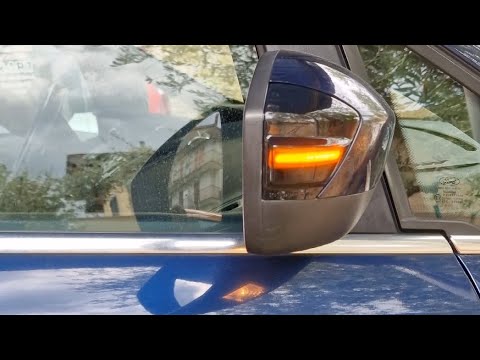
Ford C Max
(2010-2019 /
MK 2)
In this video, see how to install dynamic indicators on the side mirrors of a Ford C-Max, replacing the traditional direction indicators. Using the a…
Ford C Max
(2010-2019 /
MK 2)
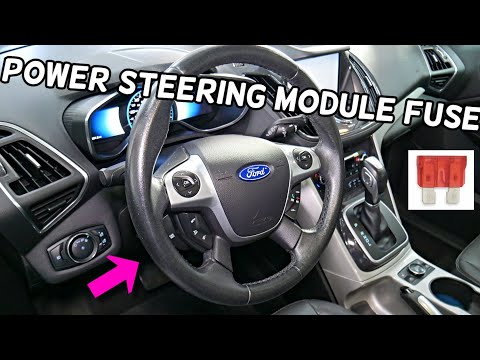
In this video, you will learn where to find the fuse box in the Ford C-Max 2010. Open the engine compartment bonnet and look to the far right of the …
Ford C Max
(2010-2019 /
MK 2)
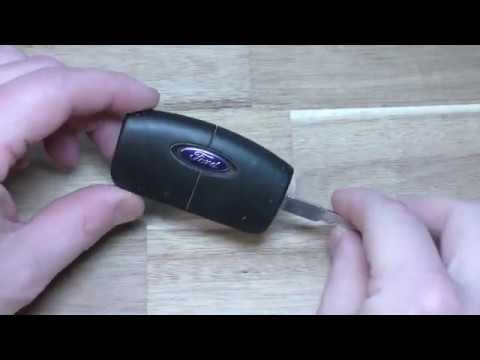
To replace the battery in the key for this car model, follow the instructions below and refer to the video. You will need a small screwdriver and a n…
Other guides you may be interested in
|
How to Reset the Tyre Pressure Light on the Opel Grandland X
While driving, if you notice the tyre pressure warning light coming on, first check the actual inflation pressure of the tyres and, if necessary, restore the pressures recommended by the manufacturer. After restoring the correct pressures, you need to reset the warning light that has illuminated on the instrument cluster. To do this, locate the reset button on the lower central console. Press this button and hold it down for at least 3 seconds, after which the low pressure indication will turn off. by ScegliAuto More videos
|
|
For advertising on this site Write to info@scegliauto.com
ScegliAuto is not responsible for any inaccuracy of the data in the lists. To report any inaccuracy or your business (if you own the business in question), please write to info@scegliauto.com
Number of seconds to generate the page: 0.202
(c) ScegliAuto 2026 - info@scegliauto.com - Privacy policy VAT number: IT01247470535 |
