
|
Do it yourself
| |||
| ||||


How to Replace Brake Pads on a Ford C Max
Model: Ford C Max
MK 2
- Years 2010-2019
How do you replace the brake pads on a Ford C Max? Start by lifting the car on a column lift to your desired height. Next, remove the wheel using a telescopic spanner or air drill, along with the respective bolts. Unscrew the retaining bolt of the brake caliper and remove it from the wheel hub. Use a screwdriver to detach the pads from the caliper of the wheel hub. Fit the new pads onto the brake caliper, then reattach the caliper onto the brake disc. Tighten all the bolts and remount the wheel. Test the brake pedal pressure after installation.
Updated on 7 April 2026 by ScegliAuto
Video tutorial
Related tutorials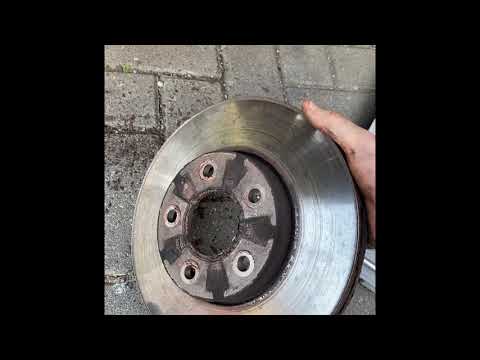
Ford C Max
(2003-2010 /
MK 1)
Learn how to remove the front disc brakes and pads on a Ford C Max. Lift the vehicle with a jack, then remove the front wheel to access the disc and …
Ford C Max
(2010-2019 /
MK 2)
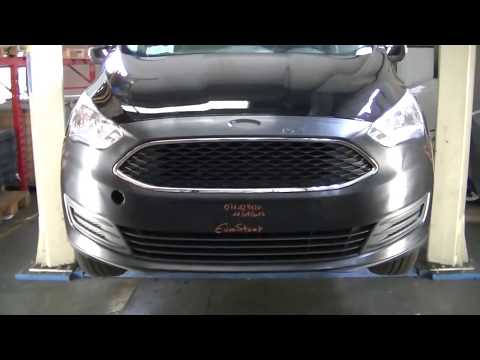
Before starting, open the bonnet of your Ford C-Max. Begin by positioning the front bumper in its housing. Next, secure the rear fastening clips. Onc…
Ford C Max
(2010-2019 /
MK 2)
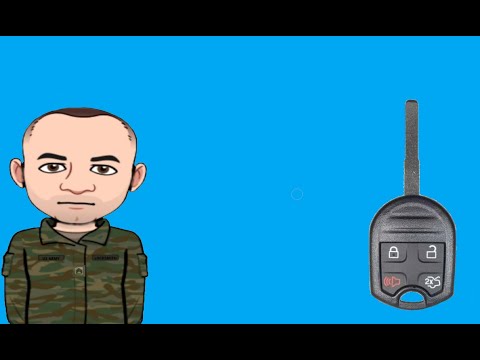
Start by inserting the tip of a thin but sturdy tool into the slot on the top side of the key fob for your Ford C-Max, then lever it open. Next, dise…
Other guides you may be interested in
|
How to Open the Bonnet on the Lancia Y
To open the bonnet on this vehicle, follow these simple instructions: first, open the driver's door and locate the lever positioned just below the dashboard, marked with an image of the vehicle with the bonnet open. Pull this lever towards you until you hear a "click" indicating the bonnet is released. Next, exit the cabin and stand in front of the bonnet to disengage the safety catch and complete the opening. To do this, slightly lift the bonnet, locate the yellow lever underneath, and pull it to the left to fully release and open the bonnet. by ScegliAuto More videos
|
|
For advertising on this site Write to info@scegliauto.com
ScegliAuto is not responsible for any inaccuracy of the data in the lists. To report any inaccuracy or your business (if you own the business in question), please write to info@scegliauto.com
Number of seconds to generate the page: 0.587
(c) ScegliAuto 2026 - info@scegliauto.com - Privacy policy VAT number: IT01247470535 |
